Plan your smart home
Choose a platform, confirm your network and make a practical first-device plan.
Open setup Guide →
WESTERNTECHY / LEARN & SET UP
Step-by-step help for planning, installing and using a smarter home. Start with one room, check what works with your existing setup, and keep a manual way to control important devices. Our Guides cover renters and homeowners, with clear safety and permission notes where they matter.
Choose your starting point
These are complete Guides, not placeholders. Choose the task closest to yours.
Choose a platform, confirm your network and make a practical first-device plan.
Open setup Guide →Compare starter budgets and remember subscriptions, accessories and replacements.
Open cost Guide →Make a reversible installation plan and check safety, ownership and permissions.
Open lighting Guide →Start with simple smart-plug timers and motion-triggered lighting.
Open automation Guide →FULL GUIDE LIBRARY
The list below updates when a new Guide is published. Each article explains the steps and checks relevant to its topic. If you want comparisons or product picks, visit Buying & Reviews.
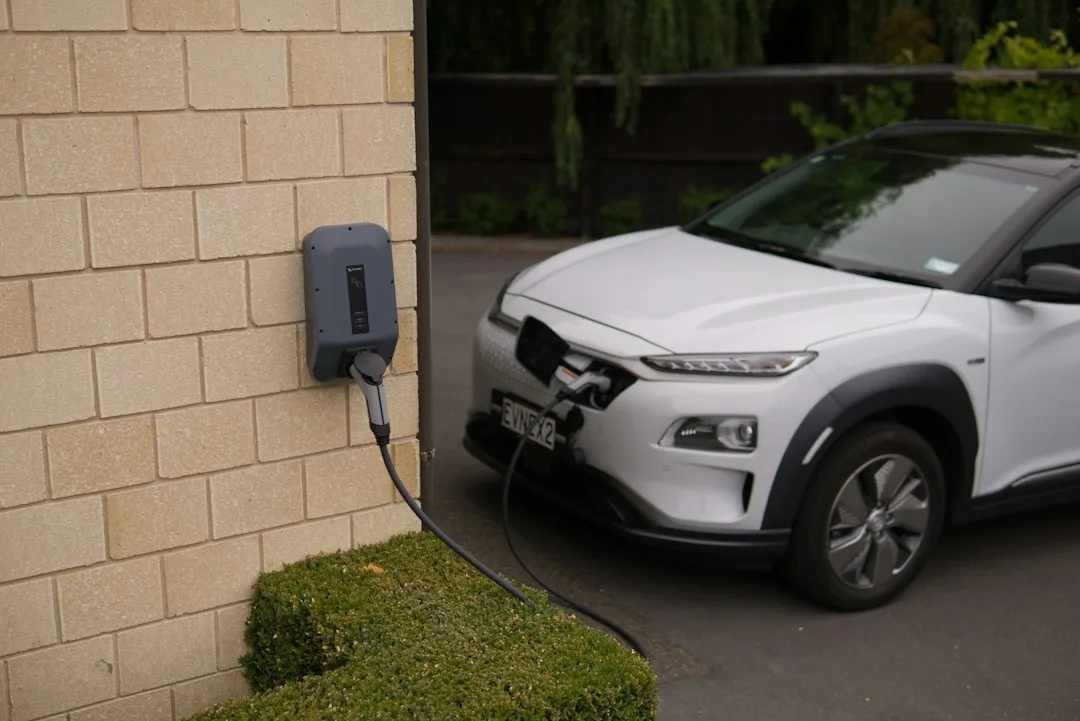
Plan safe home EV charging: Level 1 versus Level 2, electrical capacity, off-peak schedules, approved load management, utility programs and renter permissions.
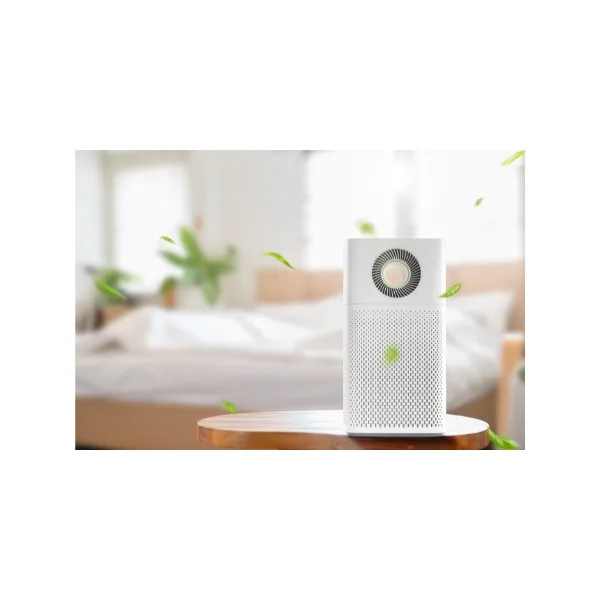
Choose and set up an air purifier by real particle CADR, room size, filters and sensor limitations—not smart-app marketing. Includes practical sizing examples, a setup checklist…
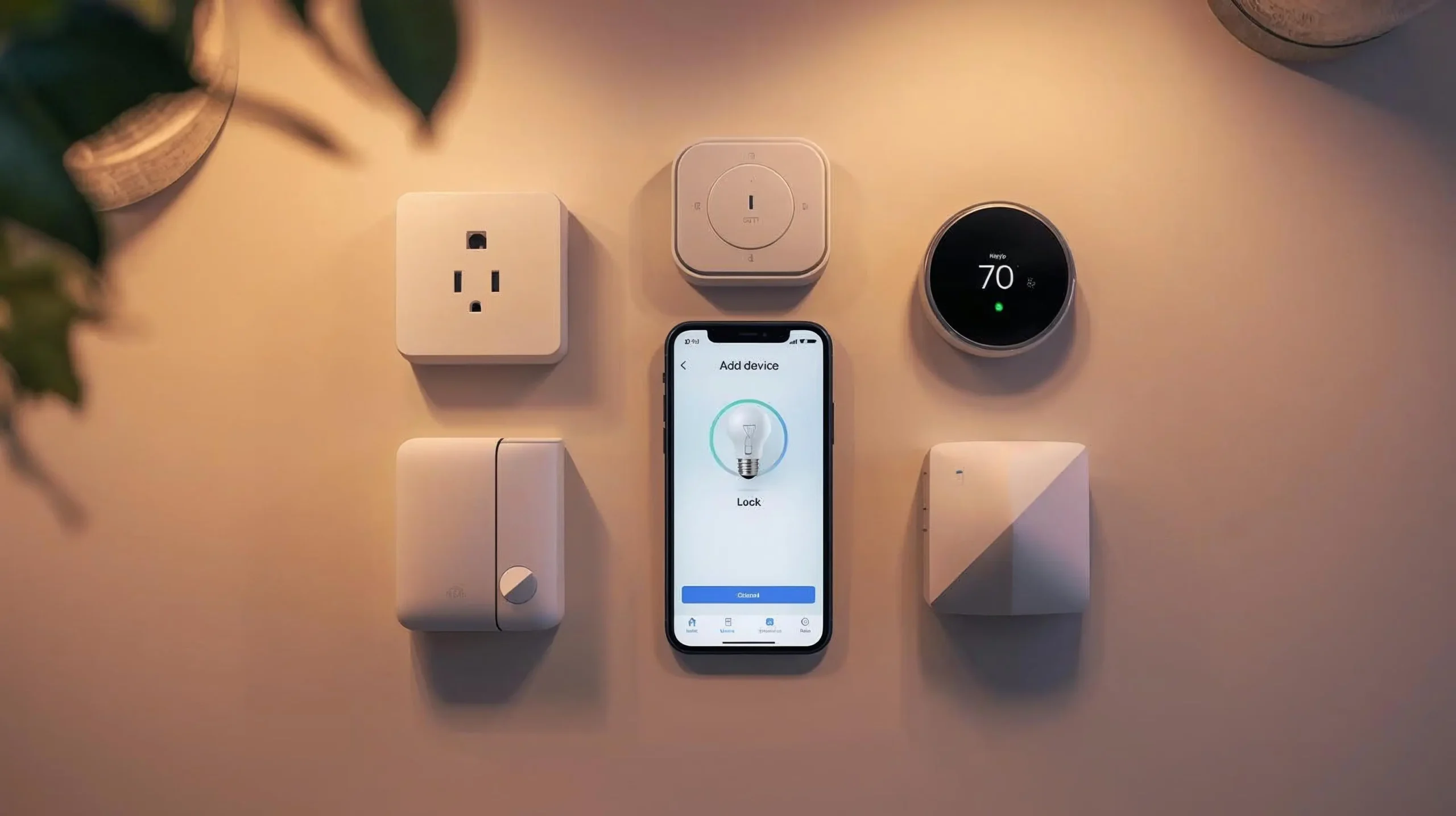
Set up Home Assistant Green safely, understand its radio limitations, connect your first supported device, create a dependable automation and prepare backups without exposing the hub.
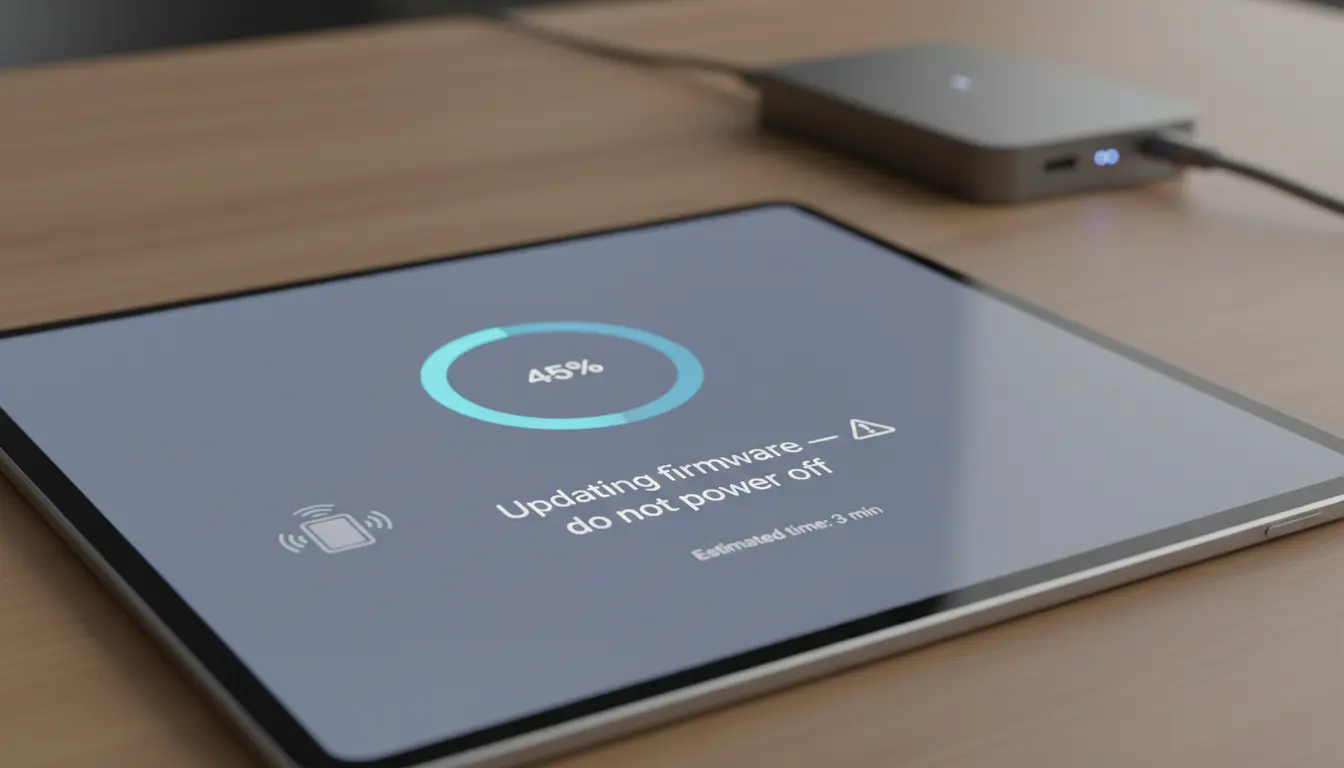
A practical guide to updating smart-home firmware safely: verify model-specific releases, prepare recovery, handle staged rollouts, test devices after updating and troubleshoot failures without needless resets.
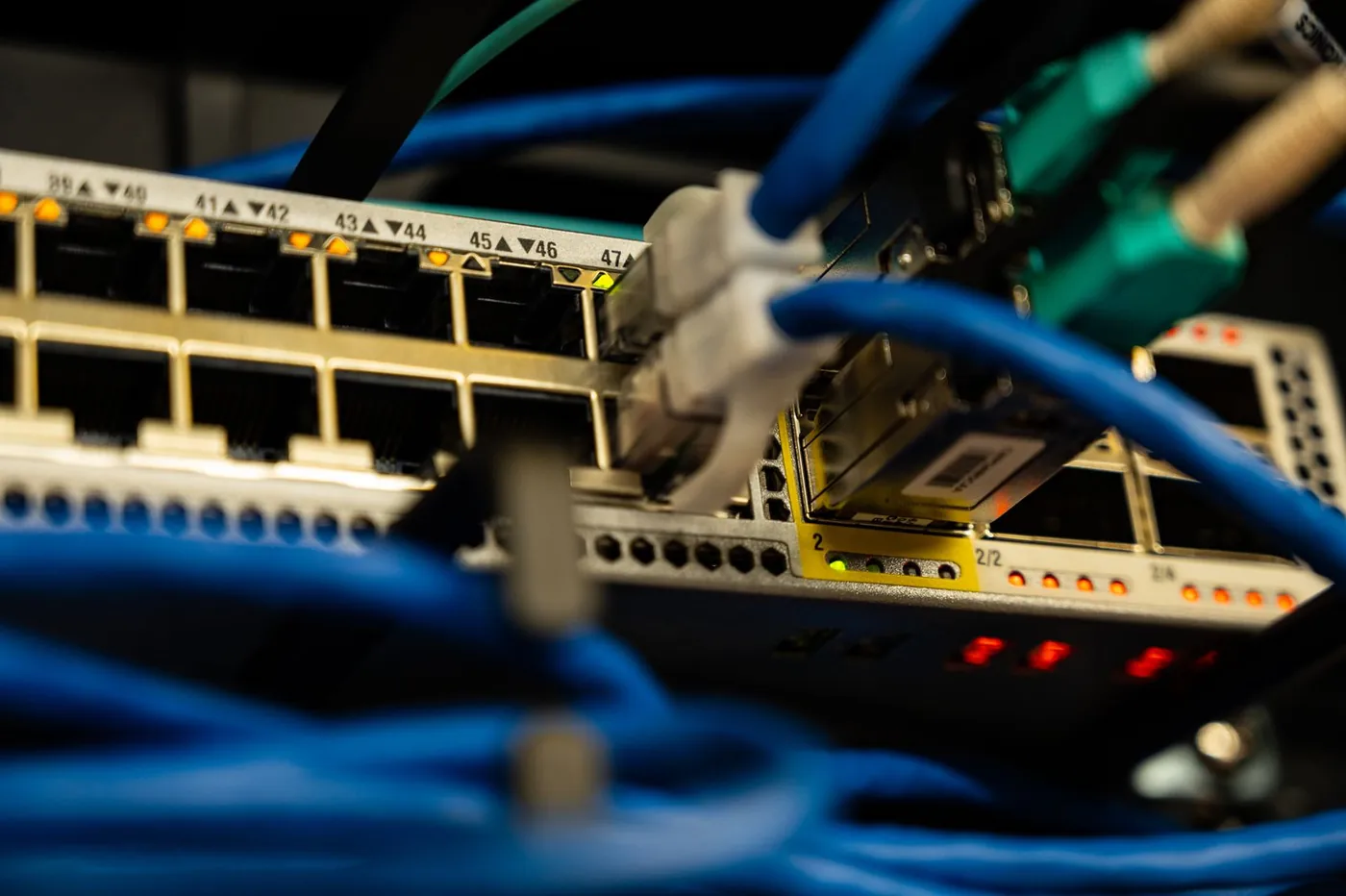
A practical smart-home hub recovery plan covering configuration backups, Zigbee and Z-Wave network state, encryption keys, vendor migration limits, and post-restore tests.
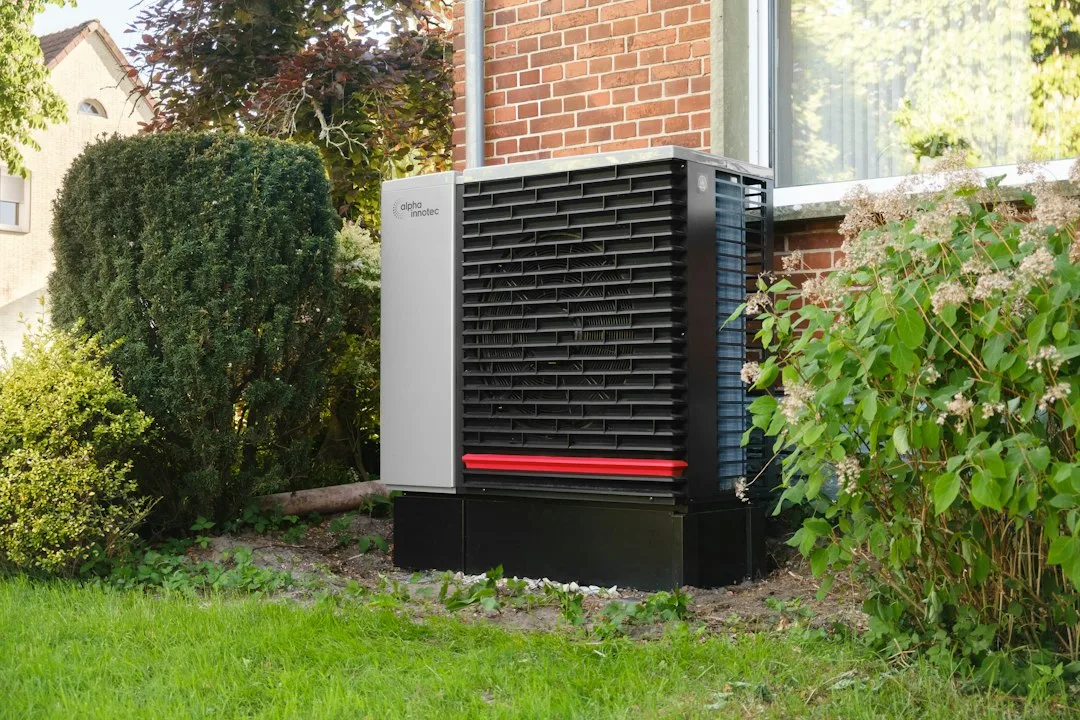
Understand heat-pump auxiliary heat, compressor lockouts, balance points, emergency heat and smart-thermostat staging without applying unsafe one-size-fits-all temperature thresholds.
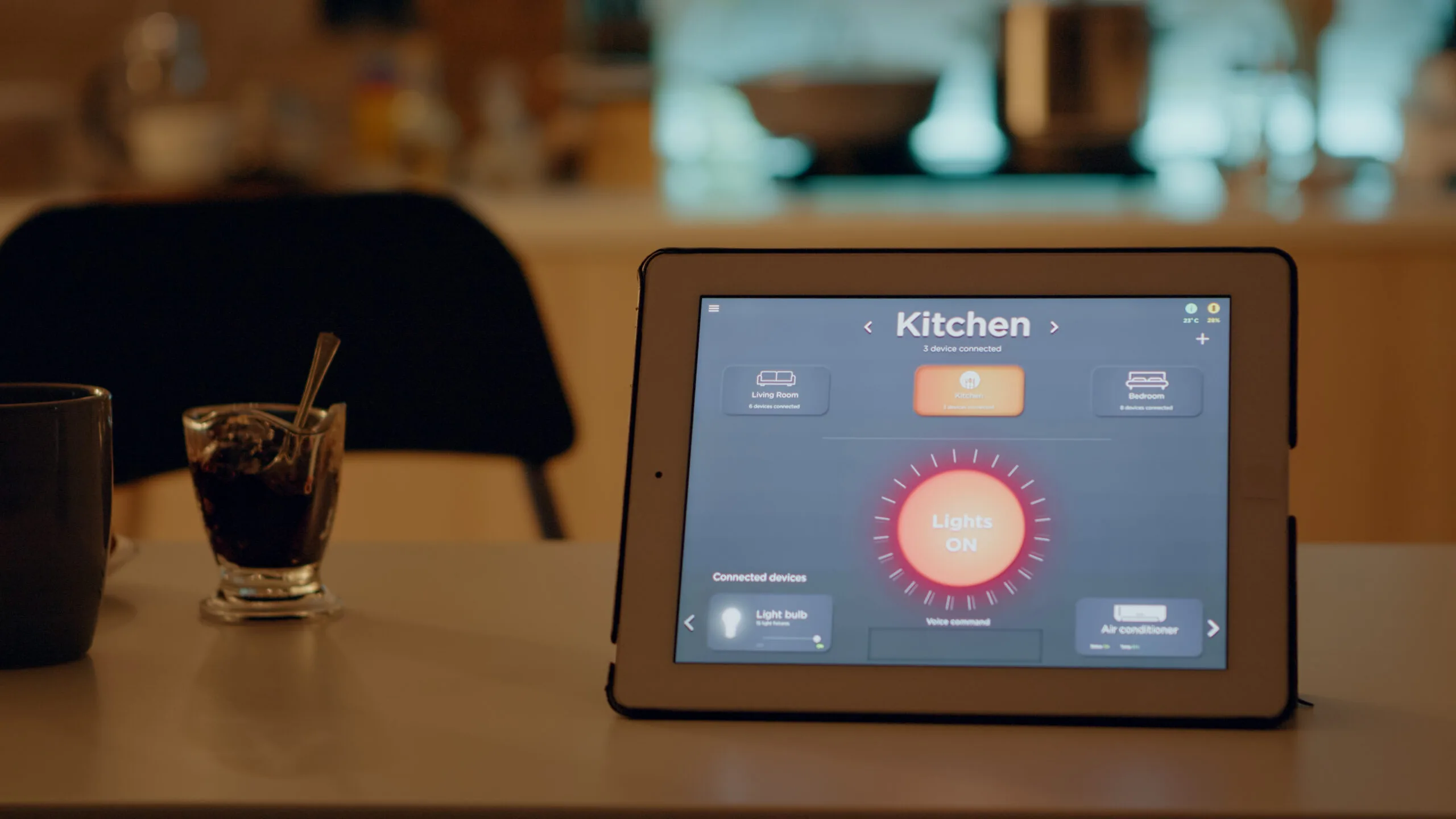
Plan smart-home controls that remain usable through touch, voice and apps, preserve manual operation, reduce fine-motor demands, respect consent and recover predictably when the smart layer…
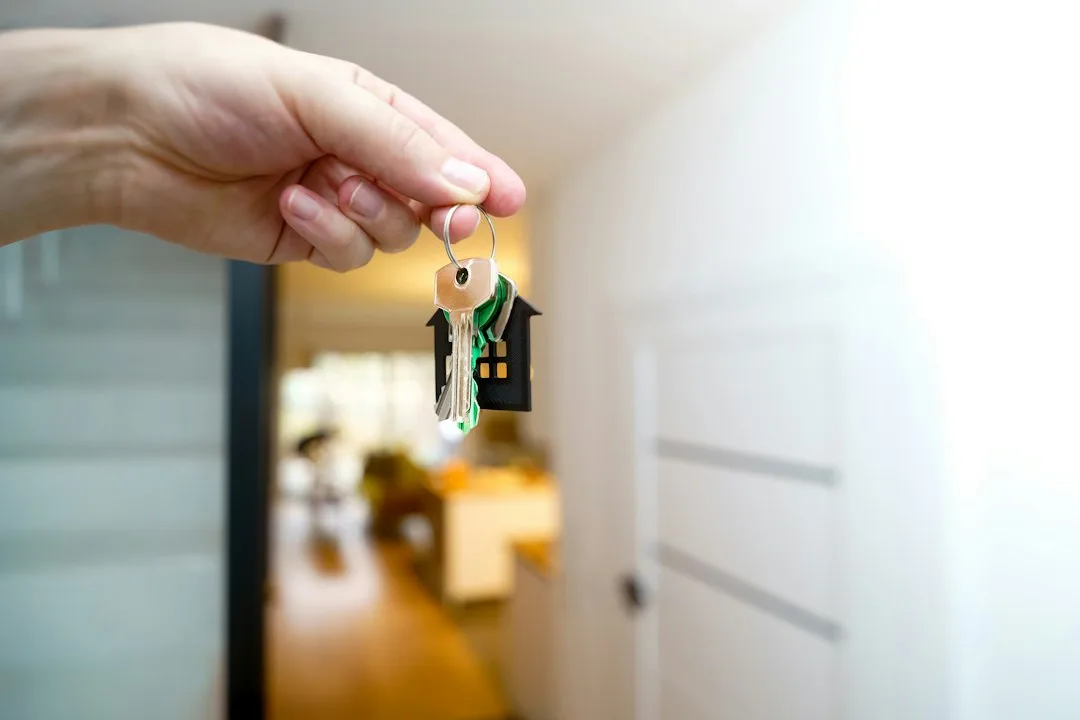
A practical turnover process for rental smart-home devices: identify ownership, remove former-user access, transfer supported devices, preserve safety systems and leave the next resident a usable…
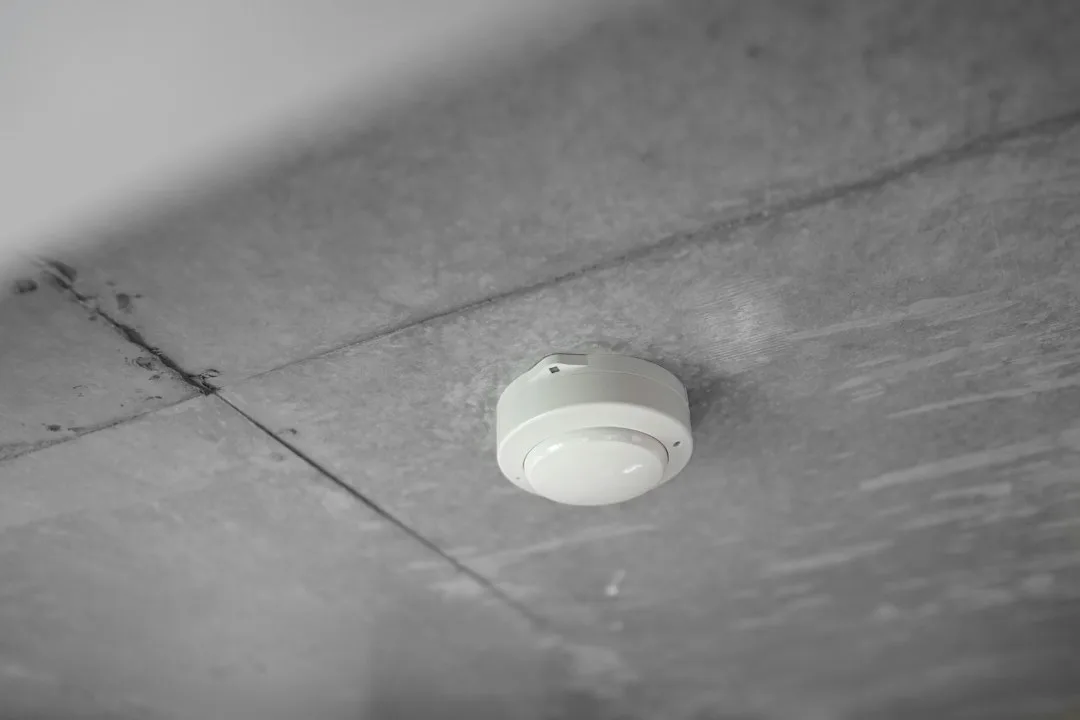
Understand the difference between certified smoke and carbon-monoxide alarms, smart notifications, environmental sensors and alarm-listener accessories before building safety automations.
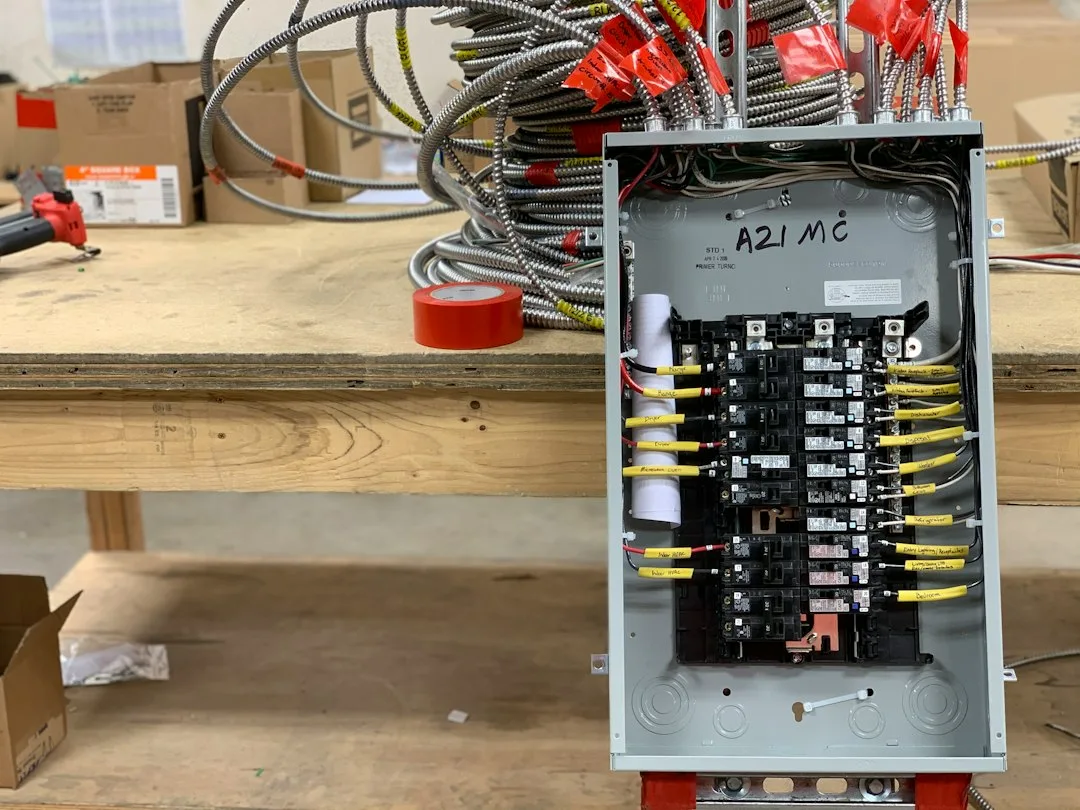
Understand smart panels, controllable circuits, backup priorities and automatic load management before assuming a connected electrical panel creates backup power or replaces a service upgrade.
KEEP GOING
Our Resources give you planning and budgeting tools. Buying & Reviews compares device features and ownership trade-offs. This page is for installation methods, setup decisions and troubleshooting.