
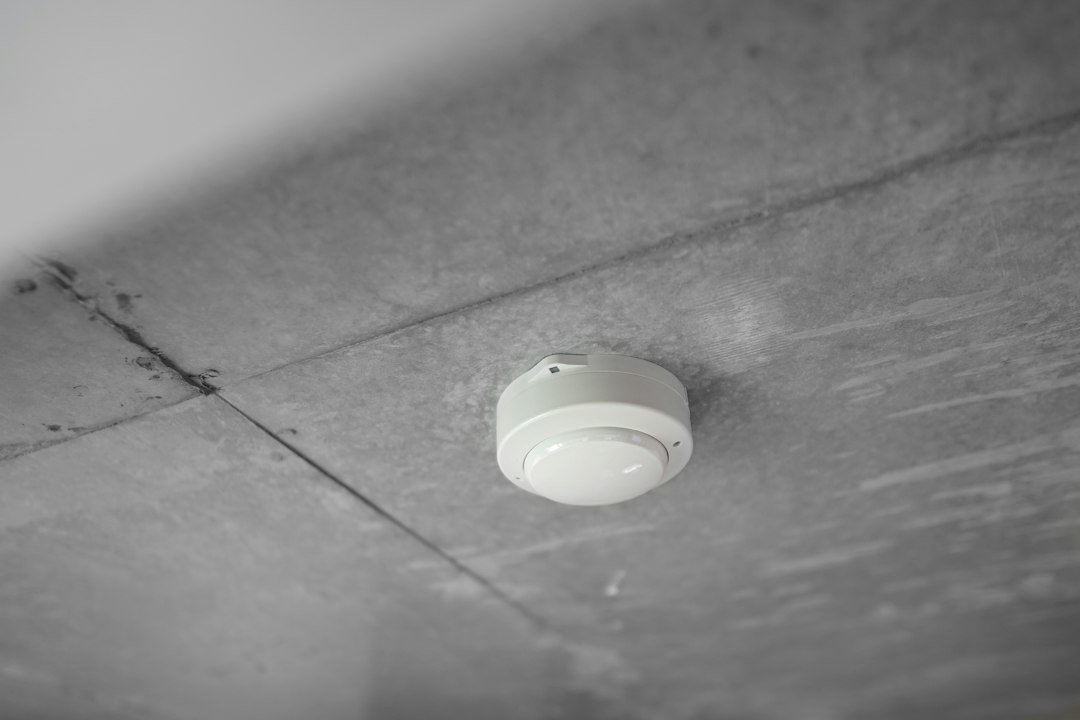
Quick answer: a smart-home notification is not the same thing as a certified smoke or carbon-monoxide alarm. If a device is responsible for warning people about smoke or dangerous CO, it should be an alarm that is listed or certified for that job and installed according to its instructions and local requirements.
Connected features can add mobile alerts, status checks, interconnection and smart-home integrations. They do not turn an ordinary air-quality sensor, temperature sensor, microphone or automation rule into a life-safety alarm.
Editorial scope: this guide is research-based. WesternTechy reviewed current UL Solutions, U.S. Consumer Product Safety Commission, Google Nest and First Alert documentation. It does not replace local fire code, product instructions or professional fire-safety advice.
Start with the device category, not the app feature
Several products can display information that sounds related to fire or air safety:
- smoke alarms
- carbon-monoxide alarms
- combination smoke and CO alarms
- environmental air-quality sensors
- temperature and humidity sensors
- alarm-listener accessories
- smart speakers or hubs that react to alarm sounds
Those are not interchangeable.
The first question is not “Does it send a phone notification?” It is “What hazard is this device certified to detect and alarm for?”
Smoke alarms and CO alarms have different safety jobs
UL Solutions distinguishes smoke alarms from carbon-monoxide alarms.
In the United States, household smoke alarms are evaluated to standards such as UL 217. Carbon-monoxide alarms are evaluated to UL 2034. Combination products can be listed for both functions when they meet the relevant requirements.
A smoke alarm is intended to warn occupants about a fire condition. A CO alarm is intended to warn about dangerous carbon-monoxide exposure.
A device that measures something else, such as CO2, particles, humidity or temperature, should not be assumed to perform either life-safety function.
CO is not the same as CO2
This is one of the easiest smart-home mistakes to make.
CO is carbon monoxide, a toxic gas produced by incomplete combustion.
CO2 is carbon dioxide. Many indoor-air-quality monitors measure CO2 or estimate it as part of ventilation guidance.
A CO2 reading does not replace a carbon-monoxide alarm.
Likewise, a volatile-organic-compound sensor, particulate sensor or general “air quality” score does not prove that a device meets the requirements of a CO alarm.
For environmental monitoring, use Smart Home Humidity & Air Quality Sensors. Keep life-safety alarms as their own system.
What certification changes
Certification standards are not just labels for marketing.
UL Solutions describes smoke- and gas-alarm testing around response behavior, nuisance resistance, environmental conditions, audible alarms and other performance requirements.
UL 217 covers household smoke alarms. UL 2034 covers single- and multiple-station carbon-monoxide alarms.
A listed alarm has been evaluated for the safety function printed on the product. That is different from a general smart sensor that happens to report a related environmental value.
A smart alarm can still be a real alarm
“Smart” and “certified” are not opposites.
Some connected products are genuine smoke and CO alarms first, with app features added on top.
Google’s certification documentation for Nest Protect, for example, lists compliance with UL 217 for smoke-alarm function and UL 2034 for carbon-monoxide-alarm function in the U.S. First Alert’s current SC5 connected smoke and CO alarm likewise combines life-safety alarm functions with mobile alerts and smart-home integration.
The important point is the order:
certified alarm function first, connected convenience second.
Mobile alerts are useful, but the local alarm is the critical warning
A phone notification can help when you are away from home or when you want status information.
But the local audible alarm is still critical because phones can be muted, offline, out of battery, outside cellular coverage or simply not nearby.
Do not design a safety system where the only warning is a push notification.
If the product supports interconnected alarms, that can improve local warning by causing compatible alarms to sound together when one detects a hazard.
Interconnection is more important than it first appears
Interconnected alarms can help occupants hear an alarm that starts elsewhere in the home.
UL describes multiple-station alarms as units that can communicate so an alarm condition at one location causes connected alarms to sound.
Connected products may use hardwired interconnect, wireless interconnect or a combination depending on the model.
Do not assume that two alarms from the same brand automatically interconnect. Check the exact compatibility documentation.
First Alert’s current SC5 documentation, for example, distinguishes battery and hardwired models and explains which First Alert, BRK and Nest Protect devices can interconnect through supported methods.
Alarm listeners are accessories, not replacements
Some smart-home devices can listen for the sound pattern of an existing smoke or CO alarm and then send a notification.
That can be useful as an additional notification layer.
It does not create smoke or CO detection where none exists.
The underlying certified alarm still needs to detect the hazard and sound locally.
A listener can also fail to hear an alarm because of placement, audio conditions, network failure or product limitations. Treat it as an accessory rather than the primary safety device.
Do not build your own smoke or CO alarm from generic sensors
A home-automation platform may let you create rules such as:
- if a particulate reading rises, send a notification
- if a temperature sensor becomes very hot, turn on lights
- if a microphone hears an alarm sound, send a message
Those can be useful supplementary automations.
They are not substitutes for a listed smoke or CO alarm.
Do not rely on a generic PM2.5 sensor, temperature sensor, smart speaker, CO2 monitor or custom automation as the device that decides whether occupants need to evacuate.
Connected safety automations should support the alarm, not interfere with it
When a certified alarm exposes an event to a compatible smart-home platform, secondary automations can be useful.
Examples can include:
- turning selected lights on to improve visibility
- sending additional household notifications
- displaying which alarm reported the event
- pausing ordinary non-essential automations that would be distracting
Keep those actions secondary.
The alarm itself should remain capable of performing its certified warning function even if the smart-home hub, router, internet service or phone is unavailable.
Do not automate silencing based on a sensor guess
Nuisance alarms are frustrating, especially around cooking.
But do not build an automation that automatically silences or disables a life-safety alarm because another sensor says conditions look normal.
Modern alarm standards include requirements intended to reduce nuisance activations while maintaining fire-detection performance. UL notes that updated versions of UL 217 include cooking nuisance tests and newer fire scenarios.
Use the alarm manufacturer’s supported hush or silence procedure when appropriate, and only when you have confirmed there is no emergency.
End-of-life matters even when the app still works
Smoke and CO sensing elements have a service life.
A connected alarm can remain visible in an app even when the device is approaching or has reached its replacement date.
CPSC notes that alarms have manufacturer-defined replacement ages and newer alarms can provide an end-of-life signal.
Google states that second-generation Nest Protect units must be replaced after 10 years from the date of manufacture to meet certification requirements.
Do not interpret “still online” as “still within service life.”
Keep a replacement record
For each smoke or CO alarm, record:
- manufacturer
- exact model
- manufacture date
- installation date
- replacement or end-of-life date
- battery type where applicable
- whether it is interconnected
- which app or account owns it
The WesternTechy Device Inventory & Account Transfer Tracker is useful for this, especially in rentals, shared homes and properties that change occupants.
Testing the app is not the same as testing the alarm
A successful phone notification proves that the notification path worked during that test. It does not by itself prove the smoke or CO sensing element is functioning correctly.
Follow the alarm manufacturer’s test procedure.
CPSC explains that pressing a CO alarm’s test button checks alarm circuitry and indicators, not the accuracy of the CO sensor itself.
Do not expose an alarm to improvised smoke, exhaust or combustion gases as a DIY sensor test unless the manufacturer specifically provides an approved test method.
Placement and quantity come from alarm guidance and local requirements
Alarm placement is a life-safety decision, not a smart-home coverage decision.
Follow the product instructions and the requirements that apply where you live.
In the U.S., CPSC provides general guidance for smoke and CO alarm coverage, but state, local and building requirements can add or change installation rules.
Do not move an alarm to a better Wi-Fi location if that makes the alarm placement inconsistent with its installation requirements.
Wi-Fi should be an extra feature, not a single point of failure
Ask what the alarm does when:
- the router is offline
- internet service is unavailable
- the phone is powered off
- the app account is signed out
- the vendor cloud service is unavailable
The certified local alarm function should not depend on a push notification reaching your phone.
If wireless interconnection or app alerts have additional connectivity requirements, document those separately.
Battery and hardwired models can have different behavior
Do not assume that a battery model and hardwired model from the same product family support identical interconnection or backup behavior.
First Alert’s current SC5 documentation, for example, describes different interconnection options for its hardwired and battery models.
Check the exact model number and installation manual.
Do not treat a wired alarm as maintenance-free
A hardwired alarm can still have backup batteries, sensor-life limits, fault indicators and replacement requirements.
Mains power does not eliminate maintenance.
Keep the device accessible for testing and replacement according to its instructions.
Smart-home account ownership matters in rentals and shared homes
A connected alarm can introduce an account-ownership problem that a traditional alarm does not have.
Before handover, know:
- who owns the alarm account
- who receives mobile alerts
- whether household members are shared users or owners
- how the next resident will take control
- whether removing the alarm from an account affects interconnection or app features
Do not leave a former resident as the only account owner for a safety device.
Use the Smart Home Access & Privacy Audit and the Device Inventory & Account Transfer Tracker for the handover layer.
Smoke, CO and air quality should remain separate in your mental model
| Device type | Primary job | Should it replace a certified smoke/CO alarm? |
|---|---|---|
| Listed smoke alarm | Warn about fire/smoke conditions | It is the alarm for that listed function |
| Listed CO alarm | Warn about dangerous carbon monoxide | It is the alarm for that listed function |
| Listed combination smoke/CO alarm | Perform both certified alarm functions | Yes, when installed for the functions and locations allowed by its listing and local requirements |
| CO2 monitor | Ventilation and indoor-air information | No |
| PM2.5 / air-quality sensor | Environmental particle or air-quality information | No |
| Temperature / humidity sensor | Room-condition monitoring | No |
| Alarm-listener accessory | Hear an existing alarm and send another notification | No |
| Smart-home automation rule | Secondary actions after a supported trigger | No |
A practical connected-alarm checklist
- Verify the hazard function. Smoke, CO or combination.
- Verify the listing or certification. Check the product label and current documentation.
- Follow required placement. Use product instructions and local requirements.
- Check interconnection. Confirm which alarms can sound together.
- Check offline behavior. Know what still works without Wi-Fi or internet.
- Record the end-of-life date. Connectivity does not extend sensor life.
- Use smart automations only as secondary support. Do not make a hub or phone notification the primary warning.
- Keep account ownership current. Especially after a move, sale or tenant turnover.
Related WesternTechy guides and tools
- Smart Home Security & Safety hub
- Smart Home Humidity & Air Quality Sensors
- Smart Home Access & Privacy Audit
- Reliable Smart Home Automations
- Device Inventory & Account Transfer Tracker
- Renter Smart Home Installation & Move-Out Checklist
Sources and editorial method
WesternTechy used current safety-agency, certification and manufacturer documentation for the distinctions in this guide.
- UL Solutions: Fire, Smoke and Gas Device Certification
- UL Solutions: Carbon Monoxide Alarm Considerations
- U.S. CPSC: Carbon Monoxide Alarms
- U.S. CPSC: Carbon Monoxide Fact Sheet
- Google: Nest Protect Certifications
- First Alert: SC5 Smart Smoke & CO Detection
Alarm standards, local code and product availability can change. Verify the current product label, instructions and requirements that apply to your home before installation or replacement.