
A smart home can look secure from the front door while its apps still give an old roommate camera access, an unused keypad code still opens a lock, or a device remains registered to a former owner. These are separate problems. Buying another camera is rarely the first fix. A useful security audit begins with who owns each device, who can see or control it, and what must happen when someone moves in or out.
Quick answer: make a room-by-room inventory of cameras, locks, doorbells, hubs and accounts; protect each owner account with unique credentials and available multifactor authentication; inspect shared users, guest codes, cloud links and recording permissions; keep ordinary access and life-safety functions working; and plan device ownership release, data handling and subscription cancellation as separate handover steps. Follow each vendor’s current instructions rather than treating an app deletion as a transfer.
Scope: This research-based privacy and access checklist covers renter and homeowner decisions. It does not claim a hands-on security penetration test or provide universal legal permission to record people. Recording, consent, tenancy and installation requirements vary by location and property. Resolve those rules and household consent before installing or re-aiming a sensor or camera.
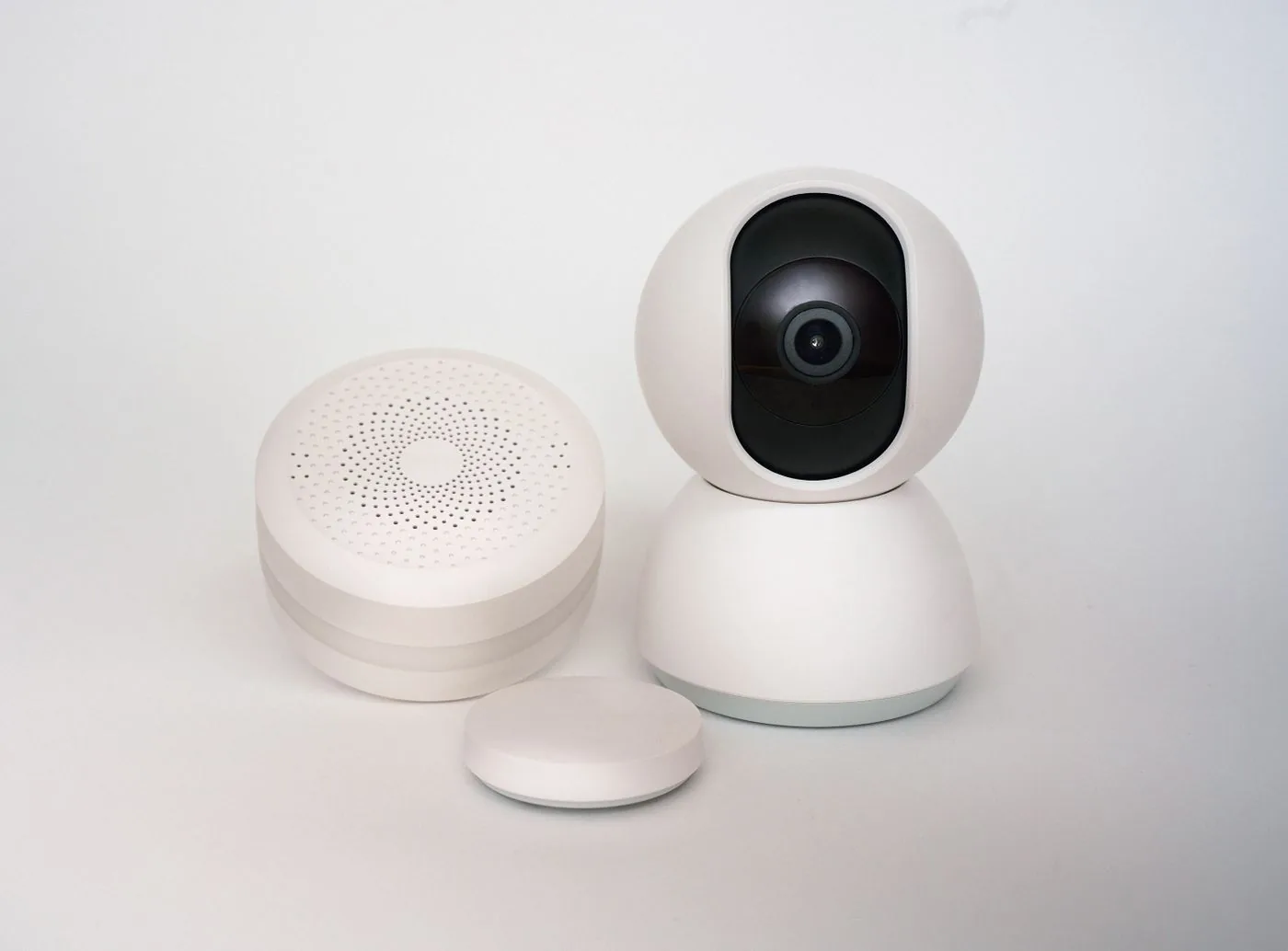
Begin with a device and access inventory
List devices with access to an entrance, private activity, recordings or home control: video doorbells, indoor/outdoor cameras, electronic locks, security alarms, smart displays, voice assistants, hubs, routers and any automations connecting them. Record the exact model and the legitimate owner of the hardware and app account. A landlord-owned front-door device, a resident-owned indoor camera and a shared smart lock need different permission and transfer decisions.
For each device, check the physical owner, native app, primary account, shared people, integrations, subscriptions, stored recordings or events, and permitted restoration process. Store only descriptive inventory fields, not actual passwords, setup codes, lock PINs, recovery keys or raw personal footage. The Device Inventory & Account Transfer Tracker provides separate fields for ownership, app access, billing and handover; its export is private and should be protected like other household records.
| Asset | Access or data to review | Handover question |
|---|---|---|
| Camera or video doorbell | Live view, recording history, audio, motion zones, shared users and cloud links. | Who owns historical footage, who can view new events, and how is device registration released? |
| Smart lock and keypad | Owner/admin rights, guest codes, schedules, app members and emergency key. | Which credentials must end, and who remains able to enter safely? |
| Hub, speaker or display | Home administrators, shared automations, linked services and voice profiles. | Which connected devices and personal accounts follow the hub? |
| Router and network | Administrator account, Wi-Fi/guest users, firmware and connected-device list. | Who may change credentials without disconnecting building-owned equipment? |
| Subscription or cloud account | Payment method, retention, shared access, alerts and linked address. | Does the subscription need separate cancellation or ownership action? |
Secure the owner account before reviewing others
Use unique passwords for the router and each critical smart-home account, enable multifactor authentication where available, and check recovery email/phone ownership. Change remaining factory credentials, install supported security updates and remove devices or sessions that are no longer recognized. The U.S. Federal Trade Commission’s connected-device guidance recommends securing the router, listing connected devices, replacing default credentials and using two-factor authentication when offered.
Do not share the primary owner password just because adding a household member is inconvenient. Prefer official roles, device-specific sharing and expiring access where supported. If you suspect an unauthorized login, use the provider’s official account-security and sign-out process and protect the recovery account. A Wi-Fi password change alone does not revoke remote access through a cloud account; likewise, deleting an app from one phone may leave the registered account and shared permissions intact.
Review people and roles, not just the device list
Write down who is a full administrator, ordinary resident, temporary guest, installer or linked service. Grant only the access required for the actual role. Check whether sharing one device also grants a view of home activity, address, automations, cameras or other devices. A household name or email displayed under “Members” does not by itself tell you exactly which history or settings that role can access.
Google Home’s current permissions guide distinguishes Admin from Member roles. Admins can manage people, devices and home-wide data; a Member may receive separate Settings and Activity permissions, with Activity access potentially exposing camera and other history. Before inviting a guest, review those toggles and the exact home to which access is granted. An ordinary guest need not receive full administration merely to switch a lamp.
Apple’s Home sharing instructions distinguish Residents from scheduled Guests for supported doors, locks and security accessories, with hub and OS requirements. Ring’s shared-user documentation describes model and location-specific permission levels and device selection. These products have different models; do not assume a “guest” label has identical rights across ecosystems or old firmware generations.
Audit cameras and doorbells with privacy in mind
First confirm installation authority, viewing direction and the purpose of recording. Aim and configure a camera to cover the needed entrance or owned area without unnecessarily monitoring private rooms, neighbors or shared spaces. Review local law, tenancy rules and any consent requirements for video and audio before enabling recording. A model may support privacy zones or motion zones, but those are not a substitute for lawful placement or transparent household expectations.
Inspect live-view permissions, cloud recording access, audio settings, notifications, retention, face recognition or other analysis options where offered. Review who can download/share clips and what happens to those copies after access is revoked. Disable features the household does not need, update firmware and account security, and change shared access when a person’s role ends. FTC’s home-security-camera advice recommends unique passwords, multifactor authentication where offered, current updates, and a secured network or separate network where appropriate.
A separate IoT network may help limit exposure, but do not blindly enable guest isolation if the platform needs local device discovery. Our Wi-Fi, Matter and guest-network troubleshooting Guide explains the local IPv6/mDNS trade-off. Preserve router protections rather than disabling a firewall to reconnect a camera.
Audit smart locks and entry credentials independently
A lock’s physical key, keypad code, app access and guest schedule are separate paths into the home. List authorized people and the type of access they need. Review codes with no clear owner, temporary guest periods, shared mobile keys, automations that unlock doors and linked voice assistants. Revoke access for departing people using the lock maker’s current instructions, then verify ordinary authorized access still works.
Do not rely on remote connectivity as the only way to enter a home. Maintain the manufacturer-supported fallback—such as an appropriate physical key, backup power procedure or approved manual control—and a responsible person who can act during a battery or network failure. Avoid routines that unlock a door merely because a motion sensor fires or a single phone appears nearby. Our smart-lock installation Guide discusses retrofit versus replacement and landlord-friendly restoration.
For rentals, obtain documented permission before changing fixed entry hardware. A landlord’s lawful access obligations, fire/egress requirements and the resident’s privacy are not interchangeable; coordinate with the proper parties and qualified installers where required. This Guide is not a recommendation to defeat a lock, bypass an access-control system or remove emergency access.
Cloud integrations and automations can preserve access you forgot about
An app may connect a camera or lock to another platform, voice assistant, household display, automation hub or notification service. Review the integrations at both ends. Removing a family member from a device’s native app may not automatically delete recordings they already exported or revoke access through a separately authorized service. Unlink obsolete integrations using the providers’ official instructions, then verify what the remaining users can still see or control.
Look for scenes triggered by presence, door openings and camera motion. In a shared or newly occupied home, a routine may disclose occupancy through notifications or react to a former resident’s geofence. Delete or rebuild automations that reference obsolete phones or accounts, but preserve necessary lighting and safety functions until there is a tested replacement. Keep life-safety, heating and emergency entry controls separate from convenience routines.
A move-out or handover is several distinct operations
Before removing anything, identify the lawful hardware owner and agree what stays. Do not delete someone else’s account or recordings. If you own footage you are entitled to retain, use the provider’s export method and review retention rules before removing access. Be clear about how the service treats deactivation, deletion and transfer: these verbs can have different effects even within a single ecosystem.
Ring’s current transfer instructions state that physically uninstalling a device, deleting its app or cancelling a subscription does not release ownership. Device release must be completed in the Ring app. Ring also says transferring a device does not cancel the subscription, so billing requires separate review. Other manufacturers have different flows: follow their model-specific help rather than assuming a factory reset always completes a cloud-account transfer.
The Ring deactivation/deletion guidance distinguishes retaining eligible video event history after deactivation from deleting the device, after which the former account cannot access that device’s history. Preserve or delete lawful personal recordings deliberately, and verify account/subscription changes separately. Do not tell a new resident that footage is transferred along with physical camera hardware.
| Operation | Why it is separate | Record the outcome |
|---|---|---|
| Physical handover or restoration | Determines who keeps the device, mount, key and original parts. | Approved inventory, condition and receiving owner. |
| Remove old shared people and codes | Ends particular viewer, mobile-key or keypad permissions. | Reviewed by actual owner; re-test remaining access. |
| Account/device ownership release | Cloud registration may outlive app removal and physical removal. | Manufacturer’s in-app transfer or release confirmation. |
| Personal recording and history handling | Historical data may remain under the former owner’s account or service retention rules. | Approved export, deletion or retention action without sharing unrelated footage. |
| Cancel or transfer subscriptions | Billing need not follow device ownership automatically. | Cancellation/transfer confirmation and effective date. |
| Unlink old integrations and sessions | Another platform or shared household may retain control or alerts. | Access review in every affected app. |
| Final functioning and consent check | The receiver needs a usable, authorized setup and safe fallback. | Agreement, successful setup and outstanding support issue. |
A careful seven-step access audit
1. Identify the legitimate owner and current users
Inventory the device, primary account, property authorization, active residents and temporary users. If the account was originally set up by an installer, ask who retained owner privileges and whether the installer still needs access. Do not seize another person’s account to resolve an ownership dispute.
2. Protect the owner account and recovery route
Use a unique password and MFA where supported, confirm recovery channels and check unrecognized devices or sessions. Review router protection and official updates without unnecessarily disrupting working devices.
3. Reduce access to what is actually needed
Review residents, temporary codes and linked services. Use limited roles or time windows where the chosen platform supports them. Remove permissions that no longer have a legitimate purpose and verify the remaining household can still operate essential controls.
4. Review camera placement, audio, history and sharing
Confirm lawful locations, documented notice/consent where applicable, active recording and audio settings, storage retention, cloud and local access, and exported clips. Camera motion zones can improve alerts but do not automatically satisfy privacy obligations.
5. Test lock and lighting fallback
Review allowed keys/codes and unsupported remote-unlock routines. Verify an authorized resident can enter without assuming the vendor cloud, phone or Wi-Fi always works. Preserve safe egress and documented property access requirements.
6. Separate data, account release and payment
Before handover, agree lawful footage retention, remove obsolete shared access, release device registration using official instructions, and independently confirm subscriptions and integrations. Do not call an app deletion a completed ownership transfer.
7. Record and recheck
Document which person performed each action, the date, manufacturer procedure used and whether the receiving owner confirmed access. Record unresolved issues as pending rather than guessing they are complete. Follow up after the property changes hands to confirm no former household member continues to receive alerts or view live feeds.
Common mistakes worth catching
- Sharing the owner password: use official member roles instead of exposing a credential that also controls billing or recovery.
- Leaving a former roommate as Admin: check each home/account and the exact Activity/Settings permissions, not merely a contact name.
- Assuming Wi-Fi password changes remove cloud access: native account privileges and previously linked services need their own review.
- Deleting an app instead of releasing a device: Ring explicitly documents that app deletion does not release cloud ownership.
- Forgetting subscription billing: a transferred or removed device may leave a separately managed paid service.
- Removing recordings without checking retention and consent: lawful footage may require preservation or authorized deletion under applicable terms.
- Replacing all manual controls with routines: batteries, hubs, Wi-Fi and cloud services can fail.
- Using an unrestricted “guest” role: the name of a role is not evidence of the actual rights granted in each platform.
- Factory resetting everything at once: you may erase useful configuration before resolving legitimate ownership or backup needs.
Printable access and handover worksheet
| Item | Private record |
|---|---|
| Device model / room and legitimate hardware owner | ________________________ |
| Native account owner and recovery control | ________________________ |
| Current admins, members and temporary guests reviewed? | Yes / No / Pending |
| Camera view, audio, retention and consent checked? | Yes / No / Not applicable |
| Lock guest codes, manual fallback and safe access checked? | Yes / No / Not applicable |
| Other apps, routines, voice assistants and sessions unlinked? | Yes / No / Pending |
| Hardware restoration / transfer approved? | Yes / No / Pending |
| Cloud ownership released using official procedure? | Yes / No / Pending |
| Recordings and subscription handled separately? | Yes / No / Pending |
| Receiving owner confirmed setup and access? | Yes / No / Pending |
Keep this worksheet in a private account or local folder. It should not contain the actual passwords, keypad codes, QR setup codes, authentication tokens or footage. For a structured device-by-device record, use our Inventory & Account Transfer Tracker and the Installation & Move-Out Checklist.
Primary references and editorial limits
- U.S. FTC — securing internet-connected devices and home camera security.
- Google Home — people and permission levels.
- Apple Home — resident and guest access.
- Ring — shared-user permissions, transfer ownership, and deactivation versus deletion.
Editorial note (reviewed September 26, 2026): This is a documented access-audit procedure, not a security certification, a hands-on product review or jurisdiction-specific legal advice. Device, account, recording and subscription features change. Consult current manufacturer instructions, property agreements and local privacy/recording requirements before changing access or deleting data.