
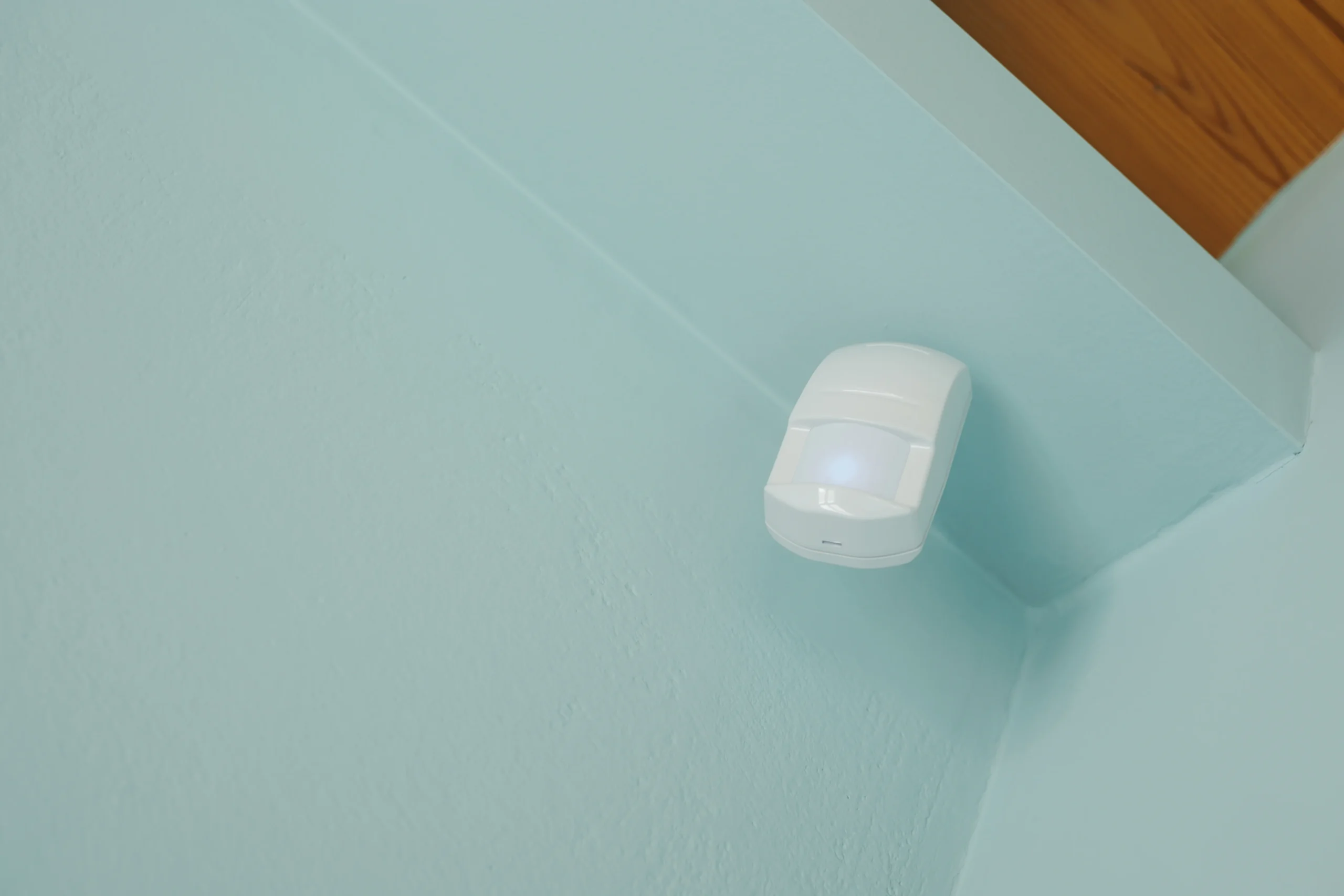
A motion-triggered lamp is often the first automation that makes a smart home feel useful. It is also one of the easiest ways to annoy everyone in the room: the light goes out while someone reads, a hallway sensor sees a pet, or a presence sensor reports a “ghost” when curtains move. The fix starts with understanding the type of sensor and the action you are asking it to control.
Quick answer: use a passive infrared (PIR) motion sensor for clear movement through hallways, closets and entrances. Consider a compatible millimeter-wave (mmWave) presence sensor for rooms where a person may sit relatively still. In both cases, verify the exact hub/platform, choose an intentional delay before switching lights off, maintain manual control, and test the real placement rather than trusting a marketing coverage number.
Editorial scope: This is a research-based collection of practical automation patterns. Examples are proposed routines to configure and validate, not claims of hands-on testing or guaranteed behavior across brands. Do not use a consumer occupancy sensor as a life-safety, medical, intrusion-alarm or essential HVAC protection device.
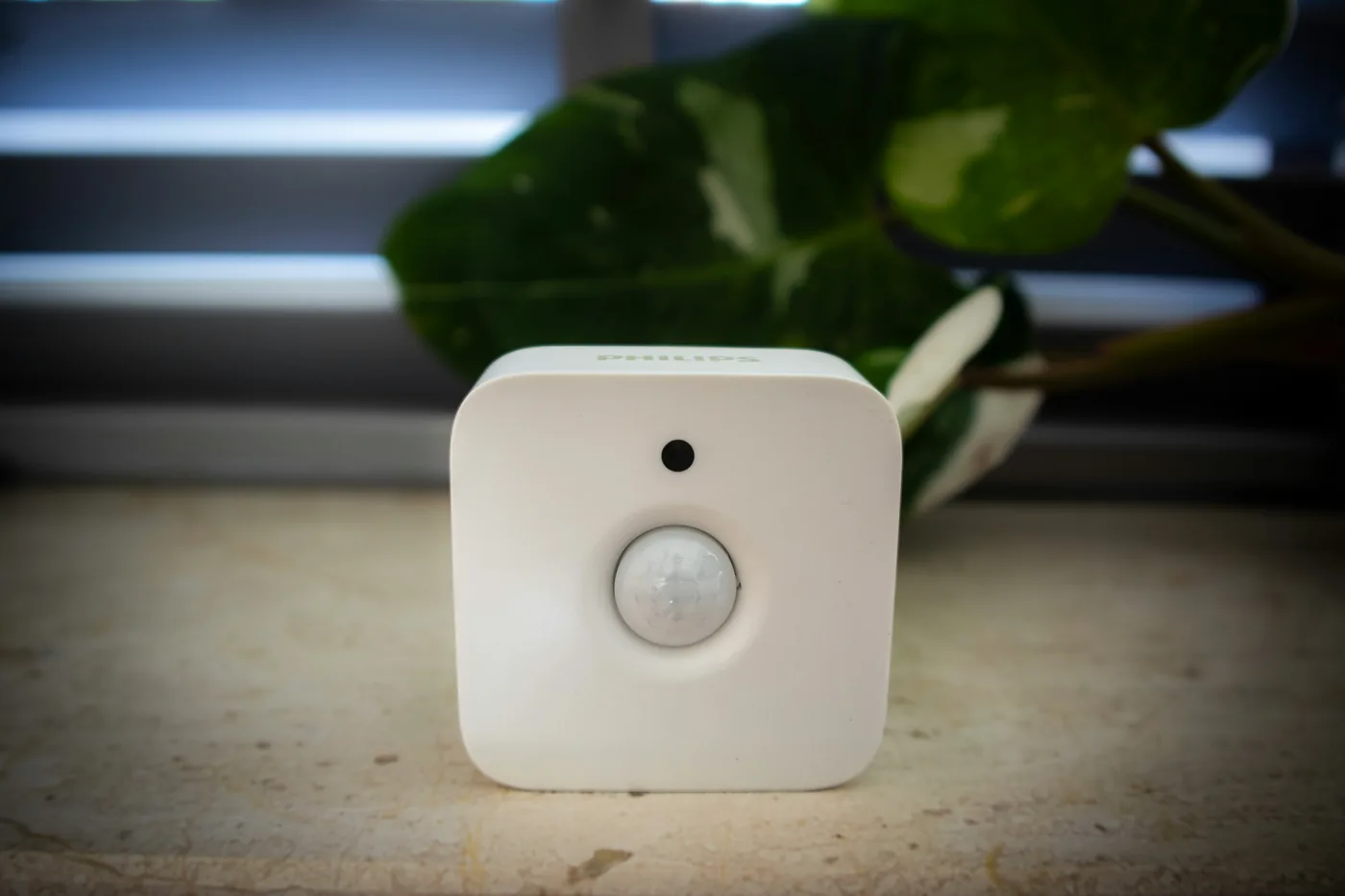
Motion versus presence: make the right first choice
| Sensor type | What it detects | Best starting use | Main limitation |
|---|---|---|---|
| PIR motion | Changes in infrared energy across its viewing area when a warm target moves. | Entry, hallway, pantry and movement-triggered lighting. | May report no motion when a person stays still; detection interval and placement vary by model. |
| mmWave presence | Radar reflections and small movements; supported models may map room zones. | Desk, living room or space with stationary occupants. | Fans, curtains, reflective surfaces and settings can create false targets or delays. |
| Door/contact sensor | Whether two parts are aligned at a door or window. | Cabinet opening or doorway entry condition. | Open/closed state is not proof that someone is in the room. |
| Illuminance (lux) sensor | Available light at the sensor. | Restrict lighting automation when a room is already bright. | Does not establish occupancy or guarantee sufficient task lighting. |
Aqara’s P1 documentation describes configurable PIR sensitivity and a detection interval, while its FP2 product documentation describes radar-based zone and slight-movement detection. These are different hardware and software capabilities. A PIR movement event should not be treated as continuous proof of presence.
For example, Aqara’s P1 lets the detection interval be configured rather than emitting identical repeated motion messages continuously. Its official FAQ explains the interval and notes that hot/cold airflow or heat sources may affect detection. Check the exact firmware and receiving platform before relying on a feature.
Choose hardware by ecosystem and job, not just a radio logo
Before buying a sensor, compare the practical hub and ecosystem tradeoffs in our Best Motion Sensors guide, then list the devices that must work together: sensor, hub or controller, light or other actuator, app and manual switch. A Zigbee sensor generally needs an appropriate Zigbee coordinator or bridge, while Aqara’s FP2 is a Wi-Fi presence sensor that requires continuous power but not an Aqara hub for its supported Wi-Fi integration. Its available zone or light entities vary across receiving ecosystems. A shared brand or “works with Alexa” label does not guarantee identical automation controls everywhere.
Check the exact regional model, firmware, power requirement, sensor report frequency and whether the third-party integration exposes the signal your intended automation needs. A battery PIR and an always-powered radar sensor have different installation and maintenance trade-offs. If the platform does not expose occupancy-cleared or zone states, the automation may need a different supported approach.
Do not buy a costly radar sensor for a cabinet door that only needs a contact sensor. Conversely, do not ask a single low-cost PIR to keep a reading lamp on without a long hold time or manual override when the reader is sitting still.
Place sensors to observe the intended area
PIR: aim for passage and avoid temperature interference
Place a movement sensor where people cross its detection area and follow the model’s stated distance, angle and mounting orientation. Test walking through the space at ordinary speed and under normal lighting/temperature conditions. Avoid pointing directly at moving hot/cold airflow, heat sources or a neighboring busy doorway when you only need the target room. If a pet or robot vacuum is present, test ordinary household activity rather than making a blanket “pet immune” claim.
mmWave: set entrance, edge and interference zones
Radar can reflect from glass, mirrors and metal, and it can register moving curtains, fans or other dynamic objects. Aqara’s FP2 FAQ recommends correctly configured entrances/exits, edges, interference zones, sensitivity and empty-room learning to reduce false presence and ghosting. Follow the supplied mount orientation and app instructions for the selected mode. The official product notes that wall mounting is required for its zone-positioning and multi-person functions.
Do not assume that the device’s maximum quoted range describes useful detection through furniture, walls, glass or interference. Set up one zone at a time, walk in and out, sit normally, and observe the app’s states before adding more automations. Choose a dedicated power arrangement permitted for the installation location. In a bathroom, consider moisture exposure and the safety of the outlet and power adapter separately: the sensor’s IP rating does not make an ordinary adapter waterproof.
Privacy is part of placement
A radar sensor may avoid collecting camera images, but its occupancy history can still reveal when people move, use rooms or sleep. Tell residents which spaces are sensed, keep controls proportionate, consider guest privacy, and restrict account access. Bedrooms and bathrooms deserve special care and informed agreement. Avoid using occupancy data for covert tracking. Do not install cameras in private spaces to compensate for a difficult sensor setup.
Build a basic automation with a reliable off-delay
A useful light routine has two decisions: when to turn on and when it is safe to turn off. For example, after movement occurs in a hallway and the ambient light is low, turn on a compatible hallway lamp; switch it off only once motion has remained clear for a configured period. Start with a reasonable delay and adjust after observing actual traffic. A longer delay is not inherently a failure—it is a comfort trade-off.
Home Assistant’s Motion cleared trigger and Occupancy cleared trigger support a “For at least” duration. Its official motion-light blueprint explicitly waits after motion ends before turning a light off. Product apps may use different naming and may not expose the same group behavior.
Use a time or illuminance condition if appropriate, but do not make the “off” action permanently dependent on a night-only condition: if a routine starts just before the time window ends, the lamp still needs a valid way to turn off. Test transitions near sunrise, sunset and schedule boundaries.
Seven practical ideas to configure and test
1. A night-time hallway or stair light
Use a correctly positioned PIR and an approved lighting device. Require low ambient light or a night-time window if your platform exposes the condition. Start with a non-dazzling brightness and a hold time long enough for slower residents. Preserve ordinary wall control and any legally required lighting. Test the top and bottom of stairs without relying on the sensor as an emergency-light system.
2. A wardrobe or pantry light
For a cabinet that can open while nobody enters a room, a contact sensor may express the job more reliably than a wide-area motion sensor. Make the light turn on when the door opens and switch off after an appropriate closing event or timeout. Check whether a door left open could keep the lamp on indefinitely, and add a reasonable maximum-on period only where safe and supported.
3. Desk or reading light that stays on during quiet activity
A presence sensor that can track stationary occupancy may make this more comfortable than a brief PIR timeout. Aim the sensor at the intended zone and test typing, reading and leaving. Keep a manual override for anyone who wants the light on without being tracked. If the sensor cannot reliably resolve the target, use an ordinary switch or longer PIR delay instead of assuming the radar is always right.
4. Bathroom lighting without compromising ventilation
A motion or presence sensor can control a permitted light, but bathroom moisture management is a separate system. The U.S. EPA moisture guide advises using the bathroom fan or an appropriate window during showering, and ventilation must exhaust properly outdoors. Do not automatically cut a bathroom exhaust fan off merely because PIR reports no motion, or insert a generic smart plug into fixed fan wiring. If you want humidity-based fan control, use a manufacturer-approved control and qualified installation where required, preserving existing ventilation needs.
5. A kitchen under-cabinet task light
Use the sensor as a convenience trigger for appropriately installed, approved lighting. Cooking, washing and prep can involve long periods of little movement, so provide a manual hold or override. Avoid placing sensor power supplies or adhesive mounts in wet, hot or grease-laden locations contrary to product instructions. Do not connect ovens, stoves or other heat appliances to a general-purpose routine.
6. Driveway or entry notification
Motion sensing outside can report passersby, animals, wind-blown movement or changing environmental conditions. Confirm weather rating, mounting permissions and detection region. Use the alert as an early awareness cue rather than proof of an intruder or a replacement for a professionally designed security system. Set sensible quiet hours, notification frequency and household consent.
7. A presence-informed room comfort reminder
If the supported platform exposes a reliable room-presence state, it may adjust a non-critical comfort scene or notify someone that a lamp is left on. Do not use an ordinary consumer sensor as the sole control for freeze protection, overheating prevention or other safety-critical HVAC functions. Follow the thermostat and HVAC manufacturer’s own occupancy and equipment settings, especially for heat pumps and homes with pets or vulnerable residents. See our thermostat compatibility and safe-setup guide.
A worked example: motion-triggered lighting in Home Assistant
First verify that your sensor appears as a supported motion entity and that the target is an actual light. Create a trigger for motion becoming active. Add a supported low-light or time condition for switching the lamp on if desired. Add a separate inactivity/occupancy-cleared trigger with a “For at least” period to switch the light off, or use Home Assistant’s current official motion-light blueprint. Choose a manual override in the light’s ordinary controls.
Before saving, check the entity IDs and the behavior of your device: a PIR might not report every movement during its detection interval, and a Wi-Fi/radar integration could present several zone entities instead of one global occupied flag. Do not copy an example entity name or vendor-specific YAML blindly into a different house.
| Test | Expected observation | Adjustment if it fails |
|---|---|---|
| Enter the room in the defined time/light condition | Correct lamp turns on. | Check sensor entity, scene/group and conditions. |
| Remain still in a desk chair | Light remains usable if that is the desired behavior. | Increase delay, change sensor type, or provide manual hold. |
| Leave and wait for inactivity | Light turns off after the chosen confirmed-clear interval. | Review exit zone, duration and interfering sources. |
| Move curtain or run a fan with room empty | Radar does not falsely hold occupancy indefinitely. | Configure official interference areas and re-test. |
| Use the wall switch or manual button | Residents can still operate the light comfortably. | Correct the control plan and explain recovery behavior. |
| Brief internet or hub disruption | No misleading safety guarantee; useful fallback remains. | Check actual offline mode and choose safer controls. |
Troubleshooting presence and motion
- Lights go off while someone sits: PIR does not reliably detect stationary occupancy. Increase the hold time, add approved presence detection or maintain manual control.
- False motion near heat or airflow: examine PIR placement and the manufacturer’s sensitivity/detection-interval options.
- Radar sees a “ghost”: check mirrors, fans, moving curtains, entrance/edge boundaries and official interference settings. Aqara’s FAQ recommends learning the background with the space empty.
- Sensor appears offline: check manufacturer power/battery guidance, radio range, bridge registration, model-specific app permissions and firmware.
- Only one room zone works in another app: verify which entities the receiving ecosystem actually exposes; a brand logo is not a zone-compatibility guarantee.
- Routine never turns the lamp off: inspect the off-delay and whether a night-only condition mistakenly blocks the off action after the time window changes.
- Pets trigger lights: test normal pet movement and adjust placement, documented sensitivity or sensor type; “pet immunity” is not universal.
- The room is uncomfortably dark in an outage: maintain an ordinary manually operated light or other appropriate fallback rather than assuming app control is always available.
Renter-friendly installation and move-out
Start with removable, permitted mounting only where it will not damage sensitive surfaces. Keep the manufacturer’s adhesive and humidity restrictions in mind, photograph the original condition and avoid drilling into unfamiliar electrical, plumbing or fire-rated assemblies. Get written permission for permanent work. In shared homes, explain why and where occupancy is sensed and who can access the app.
On move-out, remove your routines, disconnect personal account access and restore mounts as permitted. If the sensor stays, coordinate registration with the legitimate owner rather than assuming a factory reset transfers all service ownership. Our Device Inventory & Account Transfer Tracker keeps hardware, app, subscription and handover actions separate.
Before-you-build worksheet
| Check | Your answer |
|---|---|
| Room / single desired outcome | ________________________ |
| PIR movement, mmWave presence, contact or illuminance? | ________________________ |
| Exact sensor model / controller / app | ________________________ |
| Power and mounting requirement | ________________________ |
| Manual control and safe fallback | ________________________ |
| Entry/exit/false-trigger test and off-delay | ________________________ |
| Privacy/permission and data owner | ________________________ |
| Measured result / unresolved issue | ________________________ |
Official references and editorial method
- Aqara Motion Sensor P1 and its motion interval and troubleshooting FAQ.
- Aqara FP2 product/compatibility information and FP2 placement, zones and interference FAQ.
- Home Assistant: Motion cleared, Occupancy cleared and official motion-light blueprint.
- U.S. EPA: moisture and bathroom ventilation.
Editorial note (reviewed September 26, 2026): These are source-backed setup patterns and testing procedures, not results of hands-on trials or blanket interoperability guarantees. Model, firmware and receiving platform features can change. Manufacturer installation limits, resident consent and local safety requirements take precedence.