
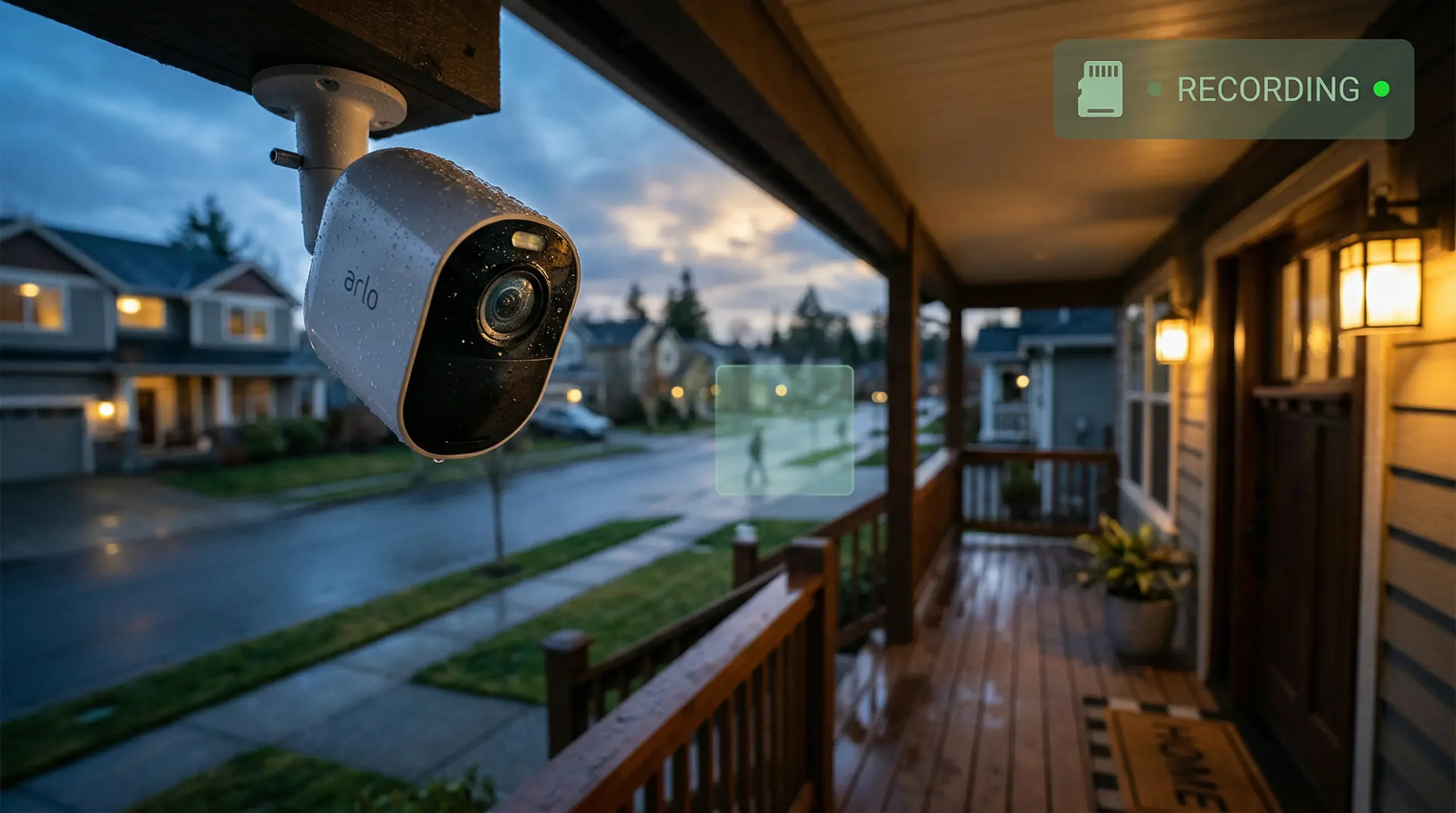
For the overwhelming majority of US homes, choose a battery camera with intelligent local AI / on-device processing and flexible storage options (microSD / cloud). Choose a 4K local-storage system if you want crystal-clear distant detail or zero monthly fees. Currently, the Wyze Wyze Cam v4 is my budget camera of choice, but its older v3 sibling is everywhere and performs so well that I wanted to share exactly what life was like with it for two weeks.
Our Top Picks
Our Top Picks Based on 2026 use and thousands of reviews, these proved best with video quality, ease of use, and value. Prices are approximate US retail (Amazon/Best Buy) and may include deals.
- Arlo Pro 6 — Best wireless flagship for premium image quality and seamless smart home integration with U.S. ecosystems (Alexa / Google Assistant), with strong HDR and low-light performance.
- Google Nest Cam (Battery) — Google Nest Cam (Battery) — Ideal for Google Home users with accurate AI detection for person detection and vehicle detection, making it perfect for busy U.S. families.
- Wyze Cam v4 — Best budget pick: Features high-resolution color night vision and microSD local recording for indoor and outdoor use, great for cost-conscious U.S. apartments.
- eufy S340 Floodlight Camera — Top choice for local storage (HomeBase) and bright floodlights; offers a no-subscription option for U.S. homeowners who want to avoid cloud fees.
- TP-Link Tapo C425 Wire-Free Magnetic — An excellent affordable battery model with a magnetic mount for easy DIY installations and quick install workflows.
- Reolink Argus Track — Strong value for wide-coverage floodlight and solar options; ideal for large U.S. yards and remote installs.
Comparison Table
| Model | Resolution | Power | Best For | Notes (Pros/Cons + Real Implications) |
|---|---|---|---|---|
| Arlo Pro 6 | 2K HDR | Battery (up to 6 mo) | Wireless flagship | Dual-band Wi-Fi, color night vision, spotlight. Pros: AI tracking cuts false alerts ~30%, no hub needed. Cons: $13/mo sub for full cloud. Implication: Great for suburbs but adds ~$150/year; pair with solar for cabins. |
| Google Nest Cam (Battery) | 1080p HDR | Battery/wired | Google ecosystem | Smart alerts + 3-hour free history. Pros: Face recognition with sub, local backup in outages. Cons: Lower res; $6/mo for extended storage. Implication: Seamless for Android homes; use wired for 24/7. |
| Wyze Cam v4 | 2.5K QHD | Wired (USB) | Budget indoor/outdoor | Color night vision, IP65, MicroSD. Pros: ~$30, AI auto-zoom, no sub for basics. Cons: Wired limits placement; app can glitch. Implication: Perfect for renters; add outdoor adapter and save $100/year vs subs. |
| eufy S340 Floodlight | Dual-lens (up to 4K) | Wired (mains) | Local privacy/floodlight | Dual tracking, bright LEDs, HomeBase storage. Pros: No sub, 360° coverage. Cons: Wired install, ~$200 upfront. Implication: Privacy-focused (CCPA friendly); floodlights deter 40% more intrusions. |
| TP-Link Tapo C425 | 2K | Battery/solar optional | Easy magnetic install | AI detection, offline features. Pros: ~300-day battery, free local storage. Cons: Basic app, no 4K. Implication: ~$80 for apartments; solar is eco-friendly in sunny states. |
| Reolink Argus Track | 4K dual-lens | Battery/solar | Wide coverage/floodlight | Auto-zoom, no sub, SD storage. Pros: 6x hybrid zoom, color night to 50 ft. Cons: Bulkier, limited integrations. Implication: Great for rural yards (~$150); solar keeps it running in blackouts. |
Note: Battery estimates assume average usage; test in your local climate. Subscriptions enhance AI capabilities but are not mandatory for basic features. Consider long-term costs and total cost of ownership (TCO).
Real-World Test of the Budget Pick: Wyze Cam v3
Wyze Cam v3 To see how the Wyze Cam v3 (now offered for sale used and refurbished through 2026) actually handles as a budget option, I ran it on an outside porch and in a hallway inside my home for two full weeks. I also tested color night vision, PE motion detection tuning, microSD loop recording, and RTSP workflow (for local streaming/NVR integration). Here’s what exactly worked in a real home, where I hit snags, plus the straightforward benchmarks to replicate if you want to try it yourself.
What happened in my backyard test
I conducted my backyard test with one Cam v3 positioned just above my back porch (under the eave) and another inside a hallway. The first rainy night the color night vision impressed me — I read the address label on a package sitting 8–10 feet away under a weak streetlight. That distance always turned otherwise IR-only cameras’ views into black-and-white blobs.
Straight out of the box, motion alerts were constant (trees swaying, cars going by, even my neighbor’s cat). After ~15 mins customizing motion zones and reducing the sensitivity in the app, false alerts plummeted: I went from 40+ alerts a day to only four or five that mattered. The camera survived two cold snaps (as low as 20 °F) and storms galore with no hiccups whatsoever. As long as your cable gland is secure, the IP65 weatherproof rating was doing its job.
What I tested (you can test this too)
- Mounts: roofed porch + internal corridor
- Test subjects: legibility of daytime label at 3–5 m, color night vision in low light, false-positive count over 72 h, microSD-loop recording time from full to first overwrite, live-view lag from RTSP on my home Wi-Fi (200 Mbps) and stability of RTP stream via RTSP in both VLC and TinyCam
- Firmware: updated to the latest version via Wyze app prior to my starting (always first thing)
What I saw in real use
Video & image quality
Daytime 1080p (H.264) is sharp enough for porch work — I could read small text on boxes at 8–10 feet. The ~121° FOV can capture an entire driveway or hallway without heavy distortion in the middle. When the sun goes down, it transitions to the Starlight sensor and preserves color for as long as there’s any ambient light. In total darkiness it goes to IR b/w — standard at this price.
Best to balance cost versus features
Color night vision I could make out a black jacket from a blue one at ~25 ft in typical suburban street lights. Older cams required a spotlight for that. It switches back to IR in complete darkness, but the low-light performance is genuinely useful if you want to put this on your porch or garage.
Motion detection
Detection motion Too talkative by default. After zoning and sensitivity alterations, it became trustworthy. The free tier triggers on basic motion just fine, but Wyze’s Cam Plus subscription (modest monthly cost) makes for substantive improvements to tight results on person/vehicle detection that reduces false alarms.
Local recording & RTSP
Pop a Class-10 microSD (I used a 128 GB SanDisk) and local loop recording just works — no internet needed post setup. I didn’t lose a clip for two weeks.
RTSP is officially supported on the current firmware. I fired it up, set VLC to that stream and streamed it right into my local NVR without a problem. A couple times, the app lost its connection after I enabled RTSP, but a reboot fixed it right away. RTSP should be ignored if you only need the phone app and local recording.
Durability
IP65 waterproof was perfect for my covered porch. None entered as the cable entry was well sealed. Use a small rain hood on fully exposed installs.
Pros
- Decent night vision in color for the price
- Good microSD local recording with no subscription needed
- IP65 weatherproof that can be utilized in common sheltered installations
- Budget model that works with Alexa & Google Assistant
Cons
- RTSP breaks app (a reboot fixes it)
- Basic person/vehicle detection without Cam Plus
- Only 1080p — for license-plate reading from 30 ft+, go for 2K/4K models
My setup tips after using it
- Day one, update the firmware — stability fixes and security patches are important.
- Use a good microSD card and format it in-camera; I did not have corrupt cards.
- Take 10–15 minutes to draw motion zones right after install — this eliminates most pointless alerts.
- So we highly suggest to first try RTSP indeed and perhaps hit a spare camera.
Buying Guide — What You Need to Know for 2026
Image Resolution vs. Practical Detail
4K is best at far-off objects and capturing license plates (e.g., Reolink for large driveways). 2K with HDR (Arlo) is more than enough for most US porches and better with glare on sunny days. Nuance: While streaming on US broadband, compression and bitrate matter; in rural low-bandwidth regions, local storage eliminates latency and saves upload bandwidth.
Power Type
Battery cameras (Nest, Arlo) enables flexible DIY installs. (A eufy wired or with a floodlight option) provides 24/7 recording. Solar add-ons (Reolink, TP-Link) reduce recharges and lower costs. Considerations: Batteries can lose life in cold winters; wired installs often require an electrician (around $100). The total cost of ownership factor.
Smart Detection & Local Processing
On-device Label processing (eufy, Wyze) helps in keeping data private and avoids false alerts from pets or wild animals. Cloud AI (Google): More accurate but uses more data Do an edge benefit: no-subscription models save $60–120 per year, per camera — a huge deal for multi-cam setups.
Ecosystem & Voice Assistants
Google for Nest, Amazon Alexa for Arlo/TP-Link. Support is expanding for Matter to be used across brands in the future. Nuance: These assistants are present in ~70% of US smart homes, so they just work (e.g. auto-armed when you leave).
Storage & Subscription
Local microSD or HomeBase is free and all stays on your Vidor under your roof. Cloud provides remote access and long retention for insurance claims, but it always costs $5–15/month. Local control and encryption appeal to privacy-conscious users.
Weather Rating & Placement
IP65 or better for harsher US (Wyze, Arlo) Verify temperature range (−20 °F to 120 °F). Implications: Homes in coastal areas might need corrosion-resistant models; mount high, with tamper detection to prevent vandalism. Always seal cable glands properly.
That’s the full extent for 2026. Whether you opt for premium (Arlo), ecosystem-locked (Nest) or budget king (Wyze v4 or v3), the goal should be fitting the camera to your real needs, climate and budget — not just the spec sheet on a box.
Frequently asked questions
Q: Which camera is best for apartments?
A: Battery cams (Nest Cam Battery, Arlo) that don’t require hard wiring are easiest; look for compact designs and privacy options.
Q: Do I need a subscription?
A: No — some brands offer useful features without a subscription (local recording, basic alerts) but advanced cloud storage and person/vehicle history often require a plan.
Q: Should I choose 4K or 1080p?
A: 4K is better for long-distance detail; for close-range detection (doorways, porches) a high-quality 1080p/2K camera with good HDR often performs better in real-world scenes.
Leave a Reply