
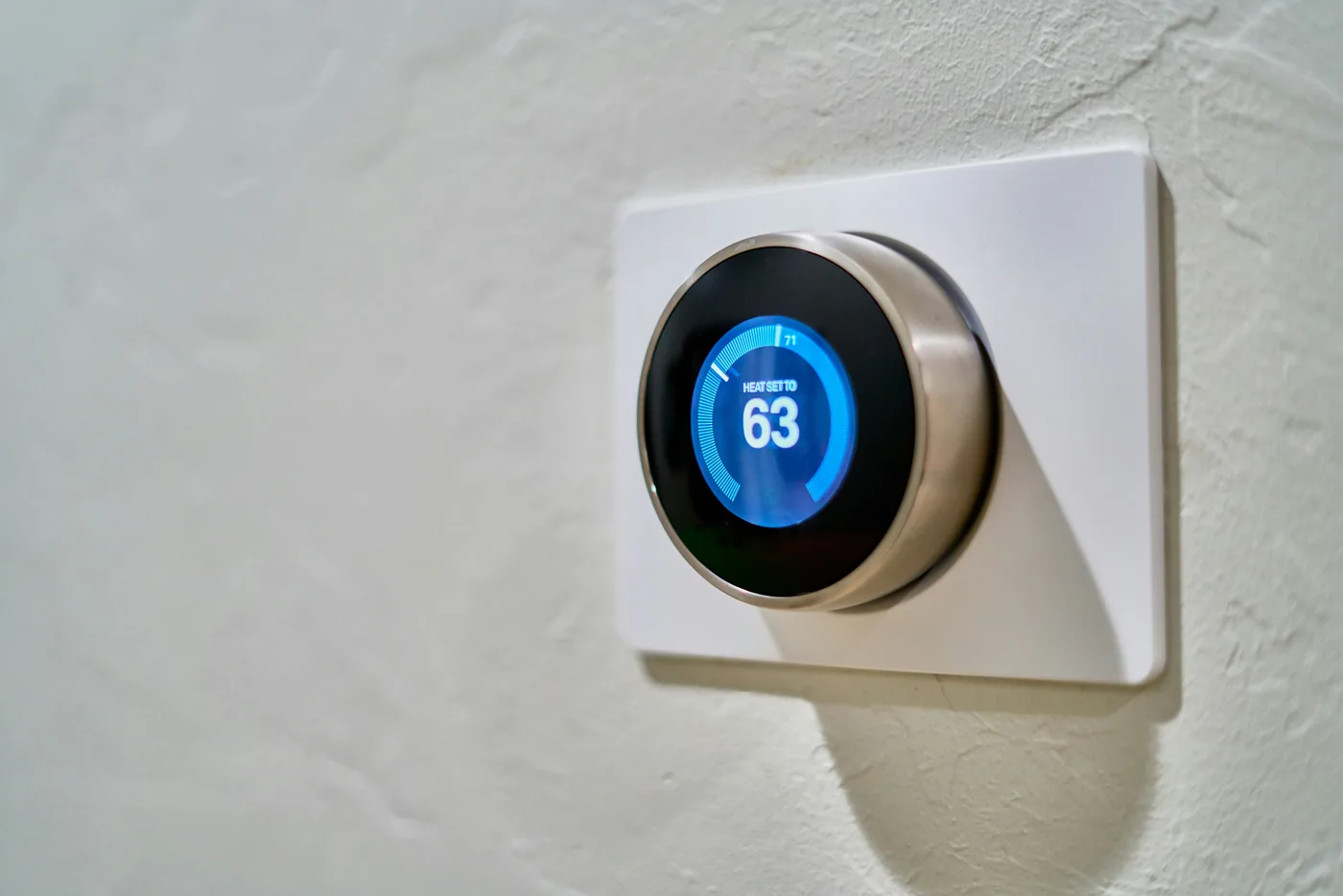
A smart thermostat can do more than follow your household schedule. In some utility or energy-provider programs, an enrolled thermostat may automatically preheat, precool, or temporarily change its setpoint when electricity demand is high. These programs can offer bill credits or other incentives, but the important details are in the enrollment terms: who can change the thermostat, how much control you keep, what data is shared, how rewards are calculated, and how you leave the program.
This article is a consumer enrollment checklist, not a recommendation for or against a specific utility program. Program rules differ by provider, region, thermostat model and account status. Source policies below were checked on October 2, 2026; confirm the live terms for your exact offer before enrolling.
First: demand response is not the same as ordinary scheduling
The U.S. Federal Energy Regulatory Commission defines demand response around customers changing electricity use from normal patterns in response to changing prices or incentive payments during periods of high prices or system stress. In a residential smart-thermostat program, that can mean shifting some HVAC use away from a peak period or temporarily reducing heating or cooling demand.
That is different from a normal thermostat schedule that you created yourself. It is also different from a general energy-saving feature that reacts to occupancy or weather. A utility-linked program introduces another party’s event signal, program rules, eligibility requirements and often a separate incentive structure.
The four questions to answer before enrolling
| Question | What to verify | Why it matters |
|---|---|---|
| What can change? | Preheating or precooling, event setpoint changes, event duration, and whether the program can call more than one event in a day. | You need to know how participation may affect comfort and HVAC runtime. |
| Can I override it? | Whether changing the thermostat ends an event, whether repeated overrides affect rewards, and whether a full program opt-out is available. | An event-level override and permanent unenrollment are not always the same process. |
| What do I get? | Enrollment credit, annual reward, bill credit, participation threshold, or usage-based payment. | A headline incentive may depend on staying enrolled or participating in a minimum number of events. |
| What information is shared? | Utility account details, address, thermostat status, energy-use or event data, program administrator, and retention terms. | Enrollment can create a data relationship beyond the thermostat maker itself. |
Google Nest: event participation is tied to the energy provider
Google’s current Nest documentation says Rush Hour Rewards and related reward-shift programs depend on a participating energy provider. When an event is scheduled, an enrolled Nest thermostat can automatically change heating or cooling behavior to reduce demand. Google also says users can manually change the temperature during a reward shift; doing so ends that shift.
The exact incentive and event rules are provider-specific. Google notes that some programs offer enrollment incentives, bill credits, or rewards based on measured energy use. That means you should read the utility-specific offer rather than assuming every Nest program uses the same event window, payment structure or eligibility rule.
Official references: How Nest thermostats work with Rush Hour Rewards and Learn about reward shifts.
ecobee: Community Energy Savings can involve more than one program type
ecobee’s Community Energy Savings documentation describes utility programs that can preheat or precool a home before a peak period and then make a smaller thermostat adjustment during the event. ecobee says an event can be opted out of, and its current privacy notice distinguishes its default Community Energy Savings programs from additional programs administered by utilities or other program administrators.
That distinction is important. ecobee’s privacy notice says activating eco+ can enroll a user in its Default Community Energy Savings Programs, while additional demand-response programs can involve separate third-party terms and incentives. For additional programs, unenrollment may need to be handled with the program administrator rather than ecobee alone.
Official references: Community Energy Savings and ecobee Privacy Notice.
Read the override rules before you count the reward
An event-level override is not necessarily the same as leaving the program. Some offers allow you to change the setpoint during an event but can reduce or eliminate the reward if participation falls below a threshold. Others distinguish between opting out of one event and permanently unenrolling from the program.
Before accepting an incentive, find the answers to these questions in the provider’s terms:
- Can I override every event from the thermostat or app?
- Does overriding one event affect payment, future eligibility, or minimum-participation requirements?
- How much advance notice will I receive?
- Can emergency events use different rules from ordinary peak events?
- How do I permanently unenroll, and which company handles that request?
Check who owns the utility account and thermostat account
In a rental or shared home, the person who owns the thermostat account may not be the same person whose name is on the utility account. A landlord may own the hardware while a tenant pays the electric bill, or several household members may have app access. Do not enroll a property into a utility-linked program until the responsible account holder understands the terms.
For rentals, combine the utility-program review with our smart thermostat compatibility and safe-setup checklist. If ownership or move-out access is shared, use the Device Inventory & Account Transfer Tracker so the thermostat, utility enrollment and app permissions are not treated as one thing.
A utility reward does not prove the thermostat is compatible with your HVAC system
Program eligibility and HVAC compatibility are separate checks. A provider may advertise a thermostat rebate even though your specific heating or cooling system needs a C-wire, power adapter, proprietary controls, multi-stage configuration or professional installation. Verify the exact model against both the HVAC system and the program before purchase.
Do not use a utility incentive as a reason to bypass wiring or equipment checks. Our thermostat compatibility Guide covers C-wire questions, heat pumps, renters and safe stop points before installation.
How to compare two utility offers
| Term | Offer A | Offer B |
|---|---|---|
| Enrollment incentive | Record the exact amount and payment method. | Record the exact amount and payment method. |
| Ongoing reward | Annual, seasonal, per-event, or usage-based? | Annual, seasonal, per-event, or usage-based? |
| Event override | Allowed? What happens to rewards? | Allowed? What happens to rewards? |
| Permanent unenrollment | App, utility, thermostat maker, or program administrator? | App, utility, thermostat maker, or program administrator? |
| Data relationship | Which companies receive program or device data? | Which companies receive program or device data? |
| Thermostat ownership | Do you keep it if you leave the program? | Do you keep it if you leave the program? |
What to record after enrollment
- program name, utility/provider and enrollment date;
- thermostat model, hardware generation and primary app account;
- reward terms and any minimum-participation requirement;
- the event-override method and permanent unenrollment method;
- the current program terms or confirmation email;
- household members who should know how to override an event;
- a move-out or account-transfer plan if the home is rented or shared.
If you want to quantify whether an event actually changed your home’s consumption, our energy-use measurement Guide explains the difference between watts, kilowatt-hours and safe plug-level monitoring. HVAC energy should be evaluated using appropriate system or utility data rather than connecting high-load heating or cooling equipment to an ordinary smart plug.
Bottom line
Smart-thermostat utility programs can be useful when the incentive and event rules fit your household, but “free thermostat” or “earn rewards” is not enough information to enroll responsibly. Confirm the exact provider, event controls, override consequences, data terms, HVAC compatibility and exit process first. Keep a copy of the program terms so you can distinguish a thermostat feature from a utility-program obligation later.
Sources and editorial method
Checked October 2, 2026. This article uses public documentation from FERC, Google Nest and ecobee. It does not claim that every utility follows the same event or reward rules, and it does not reproduce a utility’s contract terms. Always review the live enrollment agreement for your account and region.