
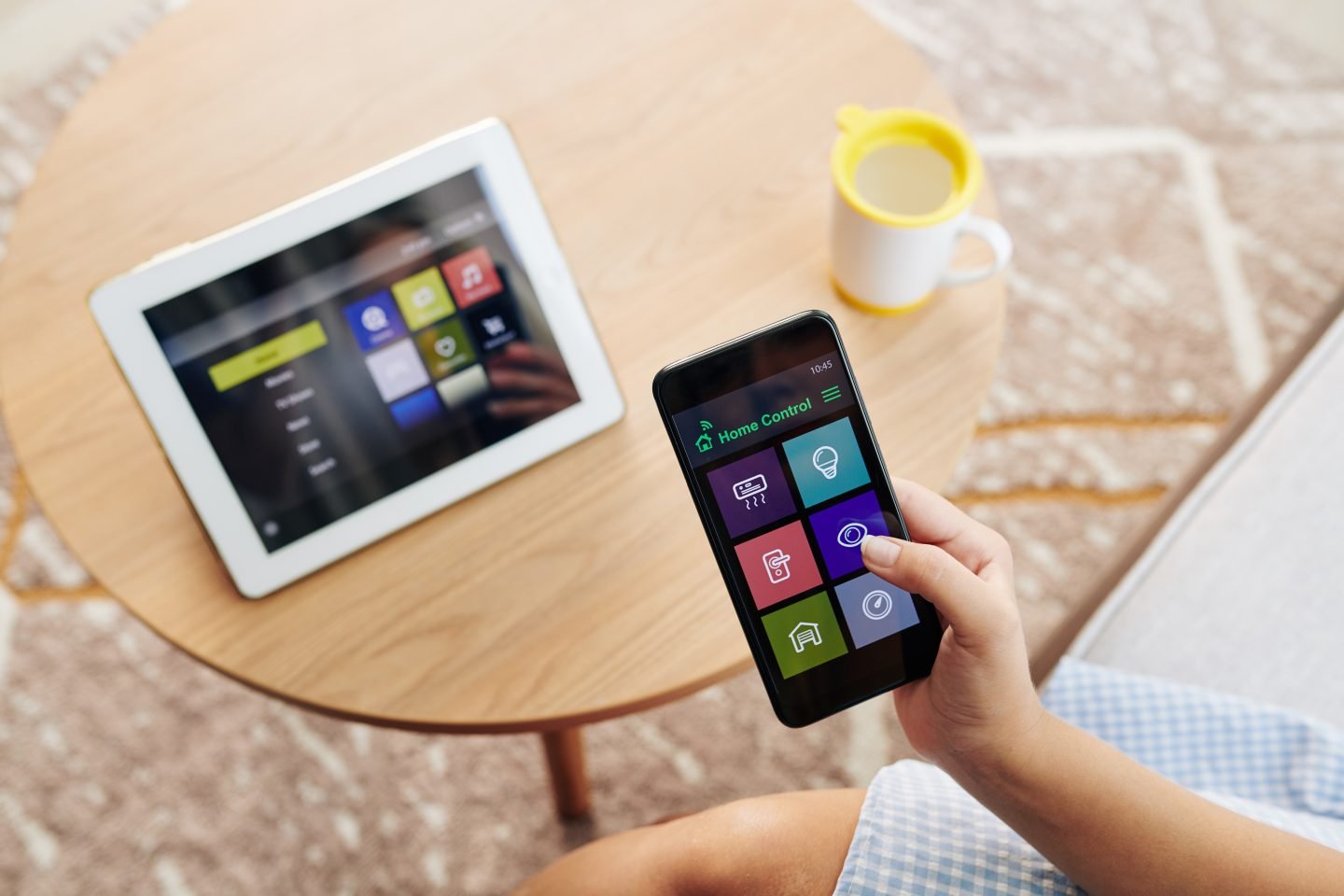
Many people want to test smart home automation but hesitate because of the price. They see ads for full systems costing hundreds of dollars and wonder whether a few devices can actually make daily life easier. This starter kit shows that you can get real results without spending much or buying extra equipment.
The kit contains two Wi-Fi smart plugs, two affordable A19 smart bulbs, one short LED strip, and ready-to-use automation presets. Everything connects straight to your home Wi-Fi, so no hub is required. You control lights and appliances from your phone or with simple voice commands, all in a single room.
It works best for one focused area, such as a bedroom, living-room corner, or dorm desk. You experience scheduling, dimming, and basic routines without committing to a larger setup. Most users see noticeable convenience within the first week.
Best For
- Students in dorms or apartments
- Renters who want simple automation
- First-time smart home users
- People automating a bedroom, living room, or desk setup
- Budget-conscious households
This kit is not the right choice if you need whole-home coverage or complex multi-room scenes from day one.
What’s Included in the Kit
2 budget smart plugs (Wi-Fi)
These small adapters plug into any wall outlet and let you turn lamps, fans, or small appliances on and off from anywhere. You can set timers or schedules so a bedside lamp turns off automatically at midnight or a coffee maker starts before you wake up. They work best on devices you already own and fit a budget setup because they deliver basic remote control without extra hardware or monthly fees.
2 affordable A19 smart bulbs (white or RGB)
Standard-size bulbs that screw into regular lamps or ceiling fixtures. Choose models that dim or shift between warm and cool white; some add basic color options. Place one in a reading lamp and the other in an overhead light. They keep the price low while giving you the ability to adjust brightness and warmth from your phone or voice.
1 LED strip (6–16 ft) for accent lighting
A flexible strip with adhesive backing that you stick behind a TV, under a shelf, or along a desk edge. It provides colored or white glow to set a mood. The short length suits small spaces and costs far less than professional lighting. It adds visual interest without any wiring changes.
Quick-start automation presets and setup guide
The companion app includes simple templates such as “wake-up lights” or “evening wind-down.” The guide walks you through pairing in plain language. These presets save time and show what automation feels like right away.
Why This Is a Good Starting Point
This kit offers the lowest-cost way to try smart home features that actually help. You get voice control through Alexa or Google Assistant, so you can say “turn on the desk light” while carrying groceries. Scheduling lets lights come on gradually in the morning or shut off when you leave for class or work. A basic movie-night routine dims the bulbs and sets the LED strip to a soft color with one command.
No hub keeps things simple and cheap to run. Installation takes less than an hour total. You learn how routines work without risk, and you can decide later whether to expand.
Step-by-Step Setup
- Install smart plugs and pair them in the app
Plug each one into an outlet, open the manufacturer’s app, and follow the on-screen steps. Most pair in under two minutes. - Replace standard bulbs with smart bulbs
Screw them into existing sockets. The app finds them automatically and lets you name the lights by room. - Install LED strip behind furniture or TV
Clean the surface, peel the adhesive, and press the strip in place. Plug it into the included power supply and pair it through the app. This step usually takes five minutes. - Connect devices to Alexa or Google Assistant
Link the app to your voice assistant once. All devices then respond to voice commands. - Import or create simple routines
Load the preset templates or build your own in the app. Test one routine, such as lights fading at bedtime, to make sure it runs smoothly.
Compatibility and Tips
The plugs and bulbs work directly with Alexa and Google Assistant. Some newer models also support Matter, which makes future additions easier if you switch ecosystems later.
Choose compact smart plugs that do not block the second outlet on a wall socket. Place the LED strip controller where the Wi-Fi signal is strong. A stable 2.4 GHz network helps everything respond quickly. If your router is far away, a simple Wi-Fi extender can solve spotty connections.
Pros and Cons
Pros
- Low cost that fits most student or renter budgets
- Very easy setup that needs no extra equipment
- Good for single-room automation with real daily use
- Works without a hub and runs on existing Wi-Fi
Cons
- Fewer advanced features such as multi-room scenes
- Some cheaper devices lack energy monitoring or color accuracy
- Device quality can vary between brands, so check recent reviews
Upgrade Path
Once you see what works in your space, you can improve the setup without starting over. Swap the basic bulbs for ones with better color accuracy or longer life. Add a motion sensor to turn lights on when you enter the room. If you want more reliable automation across rooms, a smart hub becomes a logical next purchase. You can also move the existing plugs and strip to a second room and repeat the process.
FAQ
Can I control multiple brands from one app?
Most starter kits use the manufacturer’s app for initial setup, but once linked to Alexa or Google Assistant you control everything from the voice assistant’s app. A few brands also offer a single home app that handles mixed devices.
Do I need a smart home hub?
No. This kit connects directly to Wi-Fi and works fine without one. A hub becomes useful only when you expand to many devices or want local control during internet outages.
Will these devices work with Alexa or Google Assistant?
Yes. All items in the kit are designed for direct voice control. After linking once, you can use voice commands for lights, plugs, and the LED strip.
Can I expand the system later?
Absolutely. The devices stay useful as you grow. Add more bulbs or plugs in other rooms, or introduce a hub later for smoother routines across the house.
Final Recommendation
This affordable starter kit gives first-time users, students, and renters an easy way to try smart lighting, scheduling, and voice control without a big investment or complicated setup. It proves the value of automation in one room and lets you decide what to add next. Starting small is often the smartest strategy because you learn what you actually use before spending more. Most people who begin here keep the devices for years and simply build on them as their needs grow.