
Quick Verdict
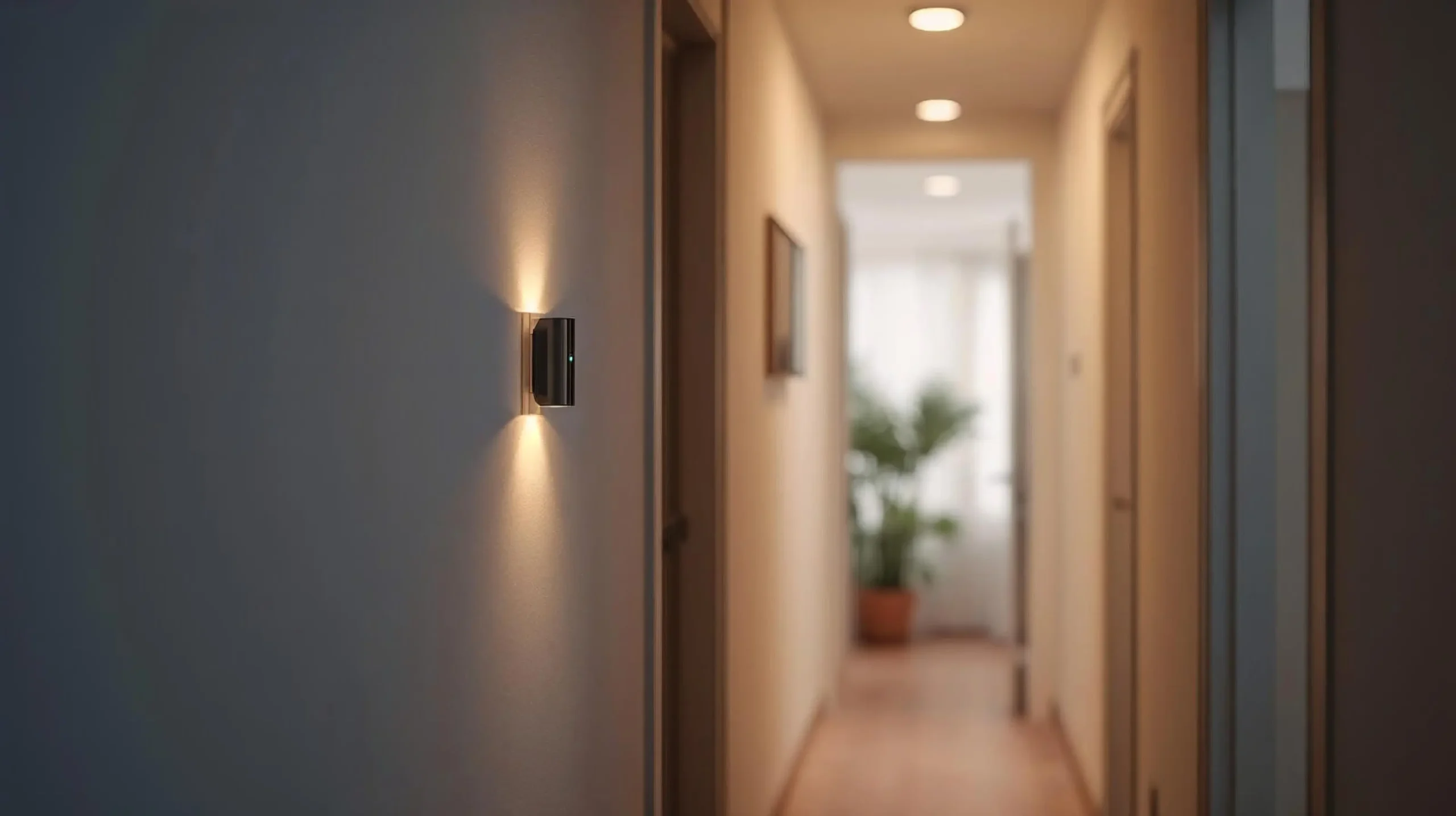
For basic lighting automation in Hue homes, pick the Philips Hue Motion Sensor. If you want the most capable Z-Wave multi-sensor kit, choose Aeotec MultiSensor 7. For mixed smart homes, choose the Aqara Motion Sensor P1 for the best Zigbee value. Ring Alarm users should go with the Ring Motion Detector. On a tight budget with a Tapo hub, the TP-Link Tapo T100 makes for a strong low-cost option.
Best Motion Sensors for Home: Comparison Chart
Here’s a simple side-by-side look at the best performers in 2026, based on real-world motion detection, battery life, protocol, and ecosystem fit.
| Sensor | Best For | Protocol | Power | Range / Angle | Hub Required | Notes |
|---|---|---|---|---|---|---|
| Philips Hue Motion Sensor | Hue lighting automation | Zigbee (Hue) | Battery (AAA or equivalent) | Up to 12 m, adjustable | Hue Bridge | Easiest for Hue users; daylight sensor; indoor/outdoor versions available; triggers lights in under a second. |
| Aqara Motion Sensor P1 | Best Zigbee all-rounder | Zigbee 3.0 | 2× CR2450 | Up to 7 m, ~170° | Aqara hub (or compatible) | 5-year battery life claimed; built-in light sensor; configurable timeout; works with Home Assistant, Alexa, Google, HomeKit via hub. |
| Aeotec MultiSensor 7 | Best Z-Wave multi-sensor kit | Z-Wave 700 | 2× CR123A | 10 m motion, 120° | Z-Wave hub | 6-in-1: motion + temp + humidity + light + vibration + UV; great for detailed automations and environmental monitoring. |
| Ring Motion Detector (3rd Gen) | Ring Alarm users | Z-Wave + Sidewalk | 2× AA | ~9 m (30 ft), 90° | Ring Alarm Base Station | Simple, reliable indoor alarm sensor; long battery; newer models drop base station requirement in some setups via Sidewalk. |
| TP-Link Tapo T100 | Budget Zigbee motion sensor | Zigbee / Tapo Sub-1G | 1× CR2450 | 7 m, 120° | Tapo Hub (H100) | Very affordable; adjustable sensitivity; fast alerts; pairs with Tapo lights/plugs for quick automations. |
| Zooz ZSE18 (800 Series) | Z-Wave budget / long-range | Z-Wave Long Range | CR123A or USB | Up to 150 ft (claimed) | Z-Wave hub | Compact with magnetic base; fast detection; good for larger indoor spaces or garages. |
What Each Kit Is Best For
Hue Kit
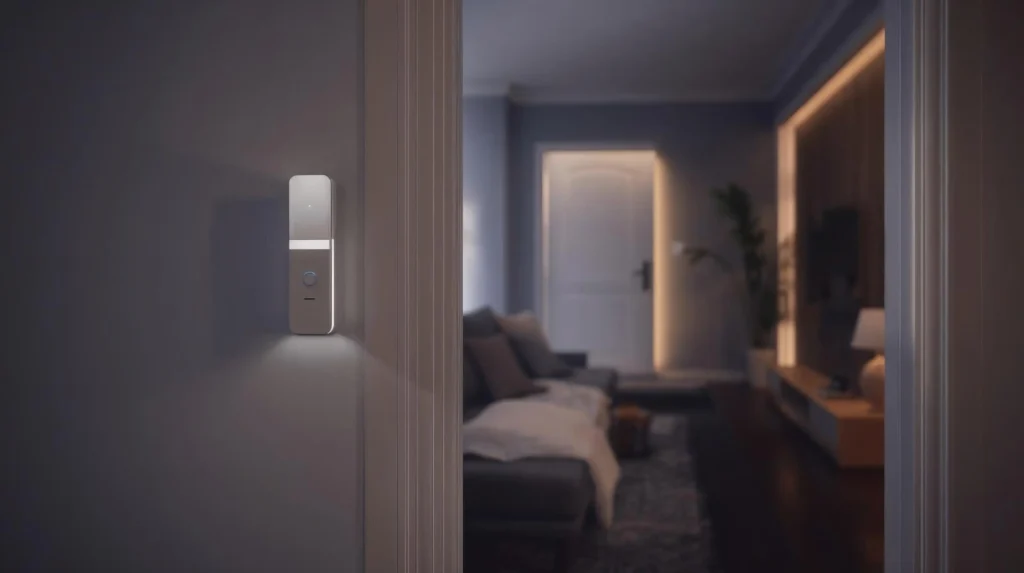
Get this for Philips Hue lights, or the outdoor version if you have patio lamps. It mounts wherever you want it (with included magnet or screws), senses daylight so lights only engage when they need to, and its integration with the Hue app and Bridge is instantaneous. Ideal for hallways, bathrooms, or entryways where you want motion-activated lighting without touching switches.
Zigbee Kit
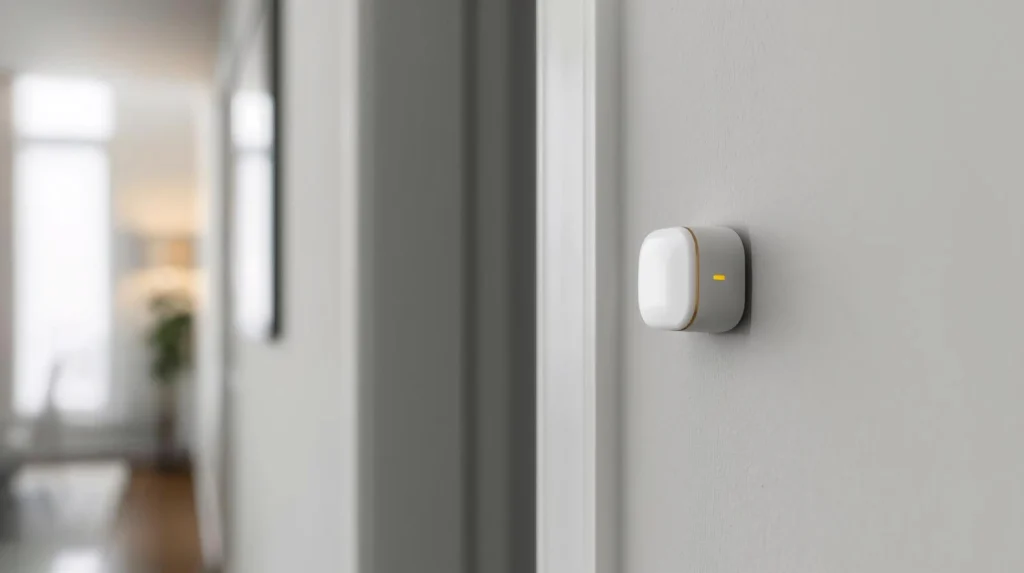
The best-value kit for wide compatibility is the Aqara Motion Sensor P1 + Aqara hub (or a compatible Zigbee coordinator). The 170° wide angle and built-in light sensor let you create smart rules like “turn on lights only if it’s dark, and someone walks in,” and the battery life often stretches into years of real-world use. It works well with Home Assistant, Alexa, Google, and Apple HomeKit.
Z-Wave Kit
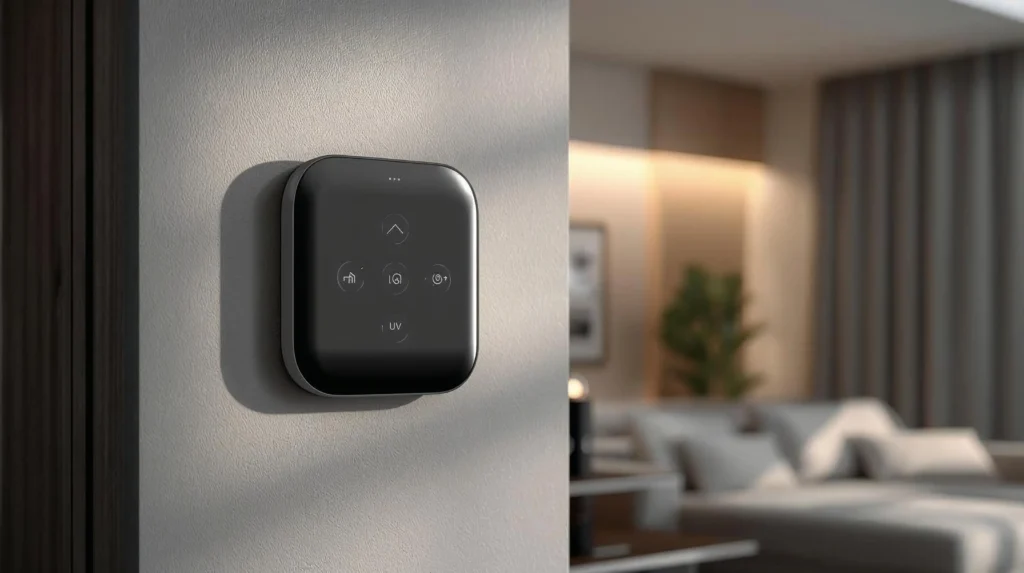
Aeotec MultiSensor 7 + a good Z-Wave hub — Home Assistant with a Z-Wave stick, Hubitat, SmartThings, and similar systems — is the better choice when you want more than motion. This little device gives you motion for lights/security and temperature/humidity for thermostat automations, light level for blinds, plus vibration and UV for richer home automation. Perfect for the living room, basement, or anywhere you need richer sensor data.
Alarm Kit
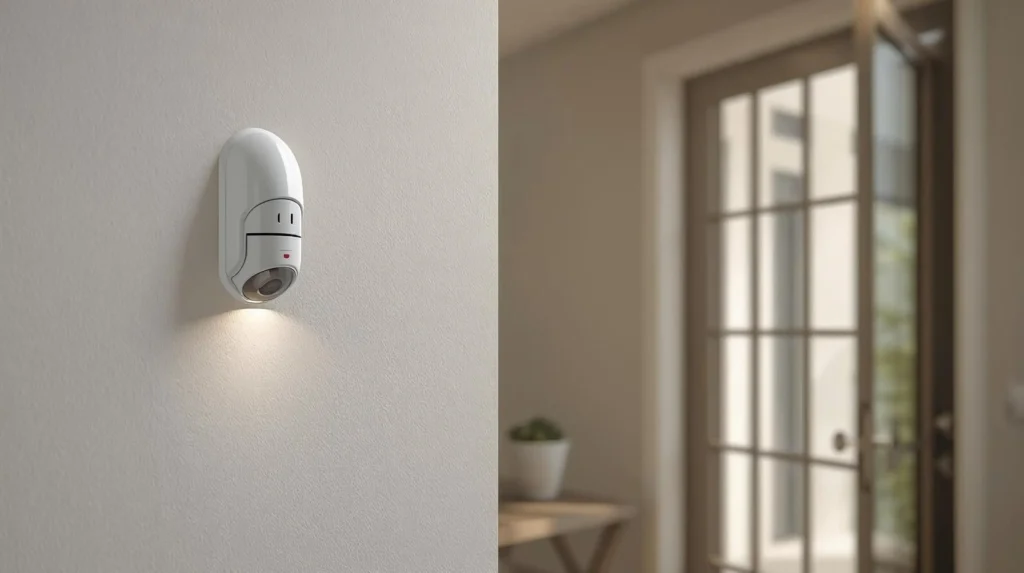
If you already have Ring Alarm, the latest Ring Motion Detector is the cleanest fit. It reliably covers an entire room, interacts directly with Ring cameras and sirens, and newer models use Amazon Sidewalk for simplified setup in some situations. Great for whole-home security monitoring.
Budget Kit
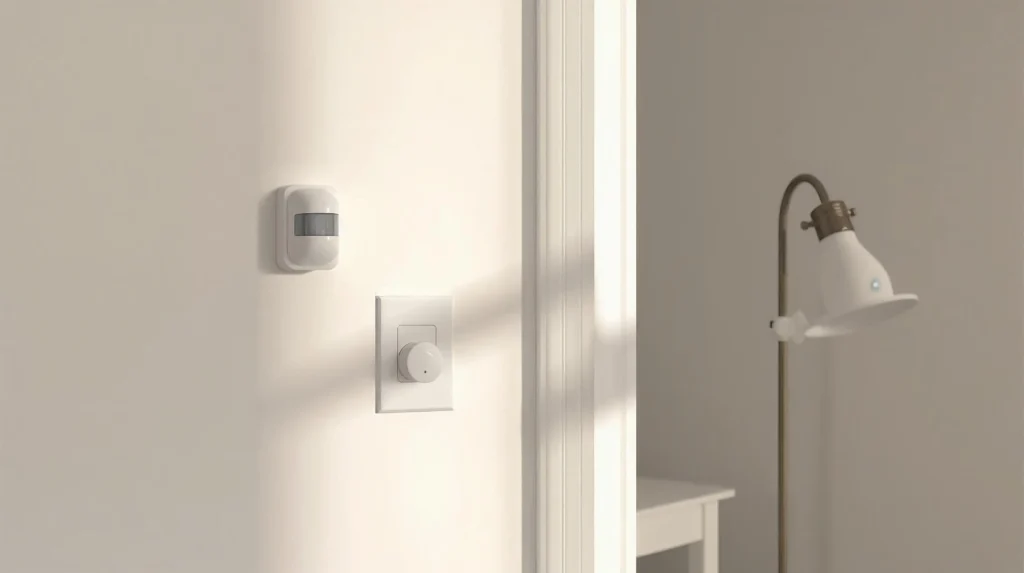
The TP-Link Tapo T100 + hub is the low-cost entry point. The Tapo H100 provides speedy alerts and adjustable sensitivity for a very low price. Use it in utility rooms, hallways, or entryways to activate Tapo lights or plugs. It’s small, uses adhesive or magnets to mount, and can even work without the internet when your hub-based automations are running locally.
How to Pick the Right Sensor
In most cases, ecosystem compatibility outweighs tiny spec differences.
- Already deep in Hue? → Philips Hue Motion Sensor.
- Maximum flexibility and long battery life on Zigbee? → Aqara P1.
- Want humidity, temp, and other multi-sensor data on Z-Wave? → Aeotec MultiSensor 7.
- Ring Alarm household? → Ring Motion Detector.
- On a tight budget and already considering a Tapo hub? → TP-Link Tapo T100.
Also think about the room itself: you need a wide angle and fast response for hallways and entries; humidity-aware sensors work well in bathrooms; large open spaces may need long range or multiple units. If you are placing sensors near windows or garages, always check operating temperature.
Recommended Kit Bundles
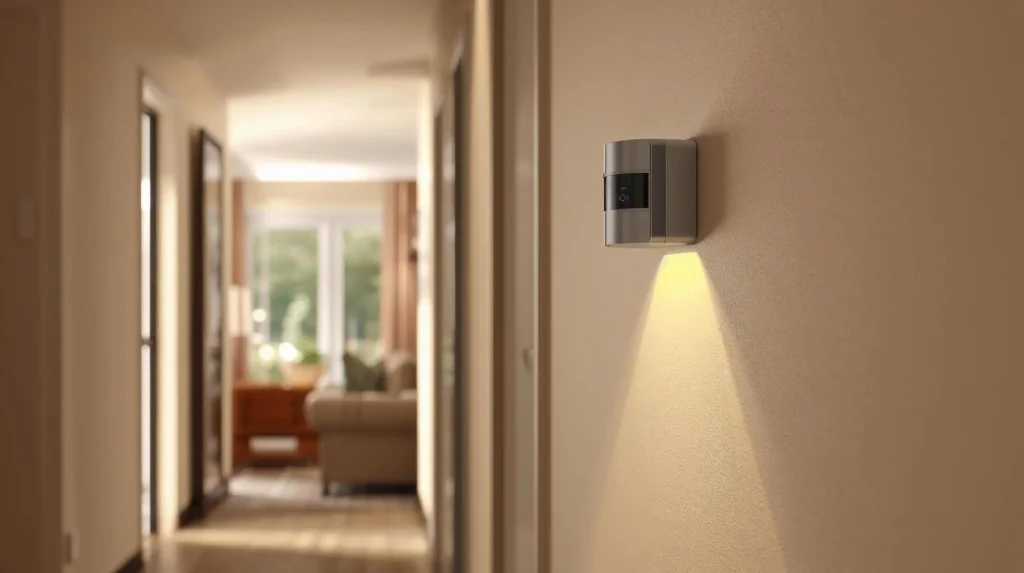
Inexpensive motion-controlled lighting kit: Philips Hue Motion Sensor + Philips Hue Bridge + a few Philips Hue bulbs — the battery-powered easy-setup way to get automated lighting.
Flexible Zigbee kit: Aqara Motion Sensor P1 + Aqara hub + smart bulb or plug — a great value for flats or mixed setups.
Advanced Z-Wave kit: Aeotec MultiSensor 7 + Z-Wave hub + smart switch or thermostat — ideal when motion plus environment triggers are a priority.
Ring security kit: Ring Motion Detector + Ring Alarm Base Station — easy for existing Ring users.
Low-cost starter kit: TP-Link Tapo T100 + Tapo H100 hub + cheap Tapo bulbs/plugs — good for halls and utility rooms.
Setup Notes That Matter
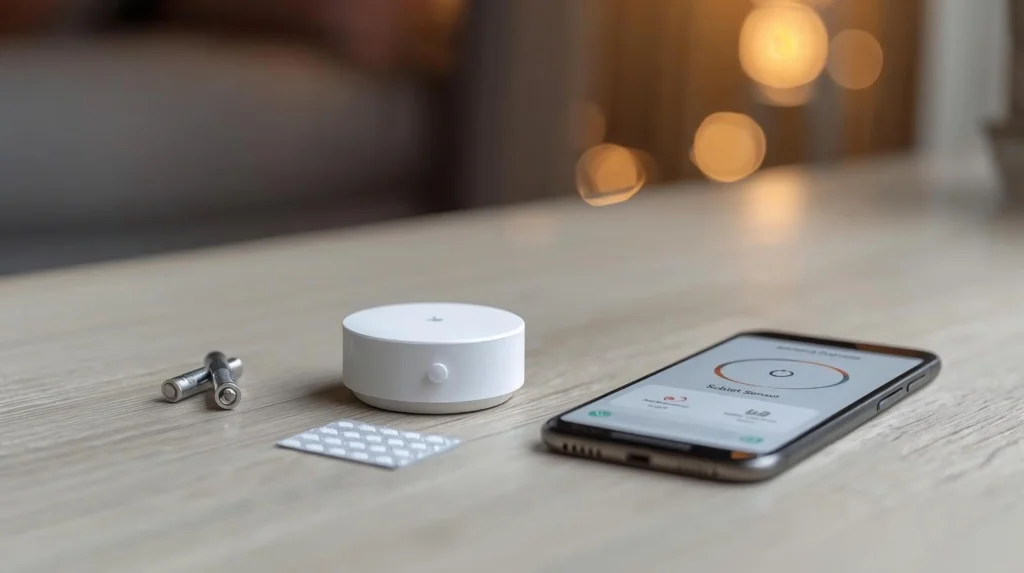
Mount height and angle are important. Most manufacturers, including Aqara, recommend placing sensors about 1.2–2.0 m high, angled slightly downward and away from heat sources, direct sunlight, or metal surfaces that can interfere with occupancy detection.
For Z-Wave sensors like Aeotec or Zooz, pair them close to the hub first and then move them to the final location. If pairing fails, manuals often recommend unpairing the device and trying again.
Battery life can vary dramatically based on your settings — shorter detection timeouts and more frequent triggers can drain batteries faster. Tweak settings once you have a week of real use so you can balance responsiveness and battery life.
This is what matters for smart home security sensors in 2026: find one that pairs cleanly with your hub and ecosystem, place it properly, and combine devices for lighting, security, and climate control automations without constant battery changes or compatibility headaches. Whether you are building a simple Hue lighting setup or a full Z-Wave multi-sensor network, one of these options will fit cleanly.
Leave a Reply