
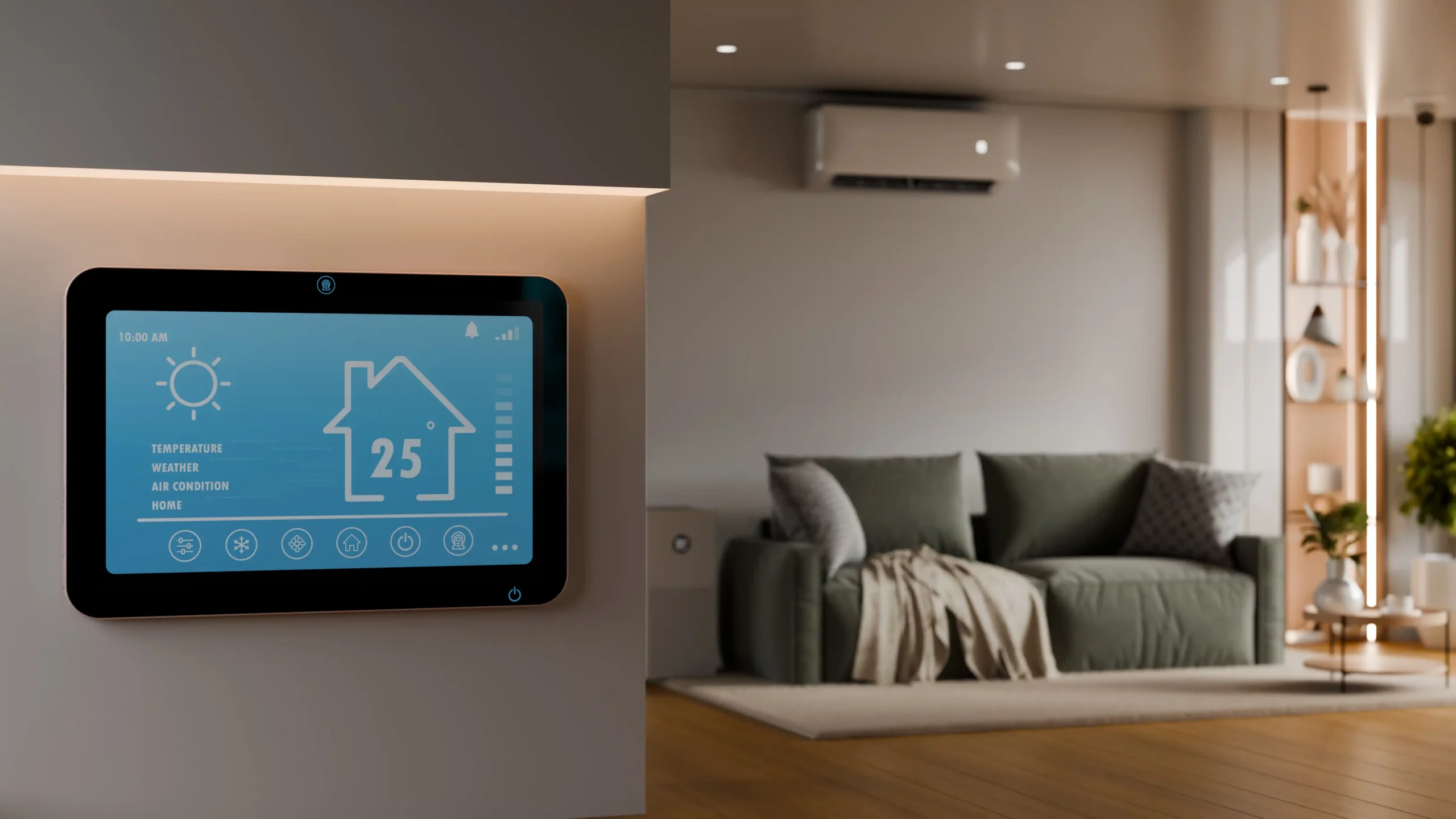
Smart home technology is no longer just for expensive luxury houses. Today, anyone can create a smart home with affordable devices, simple apps, and beginner-friendly systems.
If you’re new to this world, understanding smart home installation basics can save you money, reduce mistakes, and help you build a system that actually makes daily life easier.
This guide explains everything step by step—from choosing your ecosystem to installing smart lights, plugs, locks, sensors, and automations.
What Is Smart Home Installation?
Smart home installation means adding connected devices to your home so they can be controlled remotely, automatically, or with voice commands.
Examples include:
- Smart bulbs that turn on at sunset
- Smart plugs that control appliances
- Smart locks for keyless entry
- Smart thermostats for energy savings
- Motion sensors for security
- Cameras and doorbells with alerts
- Voice assistants like Alexa or Google Assistant
The goal is convenience, security, comfort, and efficiency.
Before You Start: Plan Your Smart Home Setup
Many beginners buy random gadgets first and regret it later.
Instead, start with these basics:
1. Choose One Ecosystem
Pick one main platform:
Apple Home
Best for households using iPhones, iPads, and Apple devices.
Google Home
Great for Android users and voice control.
Amazon Alexa
Large device compatibility and easy beginner setup.
Home Assistant
Best for advanced users who want privacy, local control, and deep customization.
2. Solve Real Problems First
Ask yourself:
- Do I forget lights on?
- Need better security?
- Want lower energy bills?
- Need easier control for elderly family members?
- Want hands-free convenience?
Build around needs—not hype.
Smart Home Installation Basics: Devices to Start With
Smart Lights
One of the easiest upgrades.
Install by:
- Remove old bulb
- Screw in smart bulb
- Open brand app
- Connect to Wi-Fi
- Add to Alexa / Google / Apple Home
Best uses:
- Night schedules
- Voice control
- Motion activation
- Energy saving
Smart Plugs
Perfect for beginners.
Use them for:
- Lamps
- Fans
- Coffee makers
- Chargers
- Heaters (check wattage first)
Installation:
- Plug into wall outlet
- Connect through app
- Name device
- Create schedule
Smart Locks
A stronger security upgrade.
Benefits:
- Keyless entry
- Temporary guest codes
- Lock/unlock remotely
- Entry alerts
Basic installation:
- Remove old deadbolt
- Mount smart lock hardware
- Insert batteries
- Connect to app
- Test manually first
Smart Cameras
Useful for entrances, garages, and living areas.
Install tips:
- Place high enough for clear angle
- Avoid direct sunlight
- Use strong Wi-Fi signal
- Enable motion zones
Sensors
Small devices with huge value.
Examples:
- Motion sensors
- Door/window sensors
- Water leak sensors
- Temperature sensors
They make automations smarter.
Wi-Fi Basics for Smart Home Installation
Weak internet ruins many smart homes.
Best Practices:
Use 2.4 GHz When Needed
Many smart devices still prefer 2.4 GHz because it reaches farther.
Improve Router Placement
Place router:
- Centrally located
- Elevated
- Away from thick walls
- Away from microwaves or metal cabinets
Upgrade Old Routers
If many devices disconnect, upgrade to:
- Wi-Fi 6 router
- Mesh Wi-Fi system
Do You Need a Smart Home Hub?
Not always.
No Hub Needed If:
You only use:
- Wi-Fi bulbs
- Wi-Fi plugs
- Basic cameras
Hub Recommended If:
You want:
- Faster response times
- More reliable automations
- Zigbee / Z-Wave devices
- Local control when internet fails
Examples:
- SmartThings
- Home Assistant hub
- Brand bridges
Basic Smart Home Automations to Set Up First
Automation is where smart homes become useful.
Good Beginner Automations
Morning Routine
At 7 AM:
- Lights turn on
- Coffee plug starts
- Weather announced
Night Routine
At bedtime:
- Lock doors
- Turn off downstairs lights
- Set thermostat lower
Away Mode
When everyone leaves:
- Lights off
- Cameras armed
- Motion alerts enabled
Motion Lighting
When hallway motion detected:
- Turn light on for 2 minutes
Keep automations simple first.
Smart Home Installation Cost
You don’t need thousands.
Budget Setup ($100–$300)
- 2 smart bulbs
- 2 smart plugs
- Voice speaker
Mid-Level Setup ($500–$1,500)
- Smart lock
- Doorbell camera
- Thermostat
- Multiple lights
Advanced Setup ($2,000+)
- Whole-home automation
- Sensors everywhere
- Smart blinds
- Professional wiring
Start small and expand gradually.
Security Basics You Must Follow
Every smart home needs cybersecurity.
Do This Immediately:
- Use strong unique passwords
- Enable 2-factor authentication
- Update firmware regularly
- Use separate guest/IoT Wi-Fi if possible
- Buy trusted brands
- Remove unused devices
This matters more than buying expensive gadgets.
Common Beginner Mistakes
Buying Too Many Devices at Once
Start with 2–3 products first.
Mixing Random Brands
Compatibility problems waste time.
Ignoring Wi-Fi Quality
Weak network = bad experience.
Overcomplicated Automations
Simple routines work best.
No Manual Backup
Always keep physical switches and keys available.
Best Smart Home Installation Order
For beginners, follow this order:
- Smart speaker or hub
- Smart lights
- Smart plugs
- Security camera
- Smart lock
- Thermostat
- Sensors
- Advanced automations
Is DIY Smart Home Installation Easy?
Yes—for most devices.
DIY is ideal for:
- Bulbs
- Plugs
- Cameras
- Sensors
- Speakers
Hire a professional for:
- Electrical rewiring
- Smart switches
- Whole-home systems
- Security integration
Final Thoughts
Learning smart home installation basics is easier today than ever before. You don’t need a luxury budget or technical expertise.
Start with one ecosystem, solve real daily problems, improve your Wi-Fi, and add devices slowly.
The smartest smart homes are not the most expensive—they’re the most practical.
FAQ
What is the easiest smart home device to install?
Smart plugs and smart bulbs are usually easiest.
How much does smart home installation cost?
Basic setups can start under $100, while advanced systems can cost thousands.
Do I need a hub for a smart home?
No, but hubs improve reliability and allow more advanced devices.
Can renters install smart home devices?
Yes. Smart bulbs, plugs, cameras, and removable sensors are renter-friendly.